How do you change the color of a `CuiTextComponent`Solved

I can't seem to change the text color via the `Color` property. The color is white and no value I try has any effect.
I have this issue with both Buttons and Labels.

Here's a snippet of my code:

Oxide.Game.Rust.Cui.CuiElementContainer container;

// ...

container.Add(new Oxide.Game.Rust.Cui.CuiButton()
  {
    Button = { Color = "1 0 0 1", Command = "" },
    RectTransform = { AnchorMin = "0 0", AnchorMax = "1 1" },
    Text = { Text = "text", FontSize = 18, Align = TextAnchor.MiddleCenter, Color = "0 1 0 1" } // <- Color has no effect
  }, "parent", "name"
);​
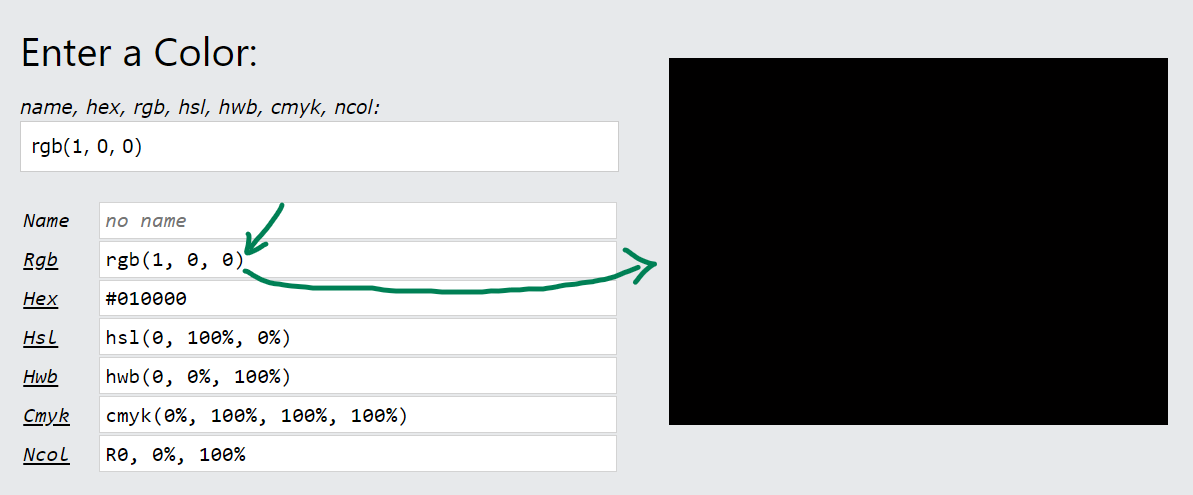
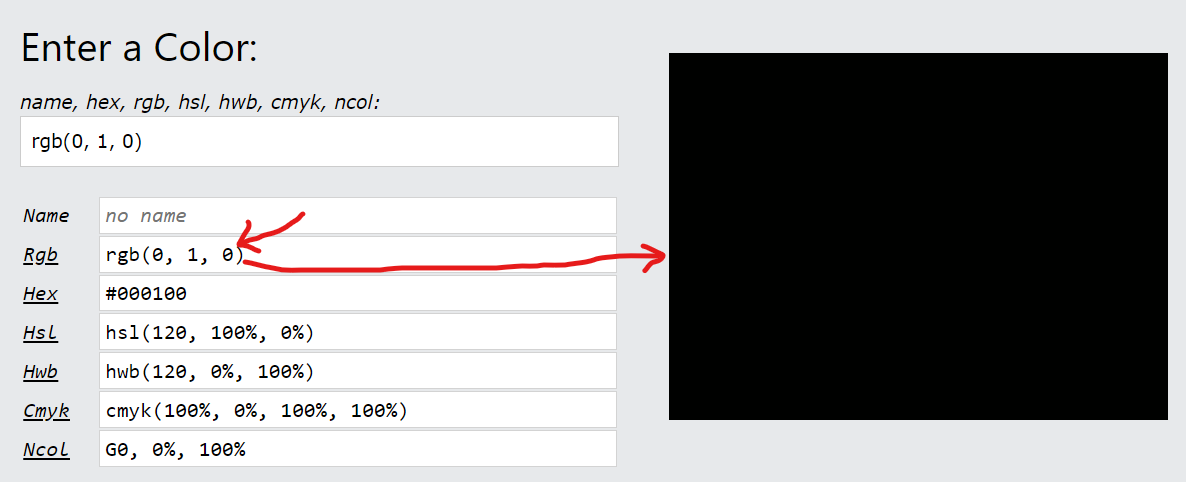
I believe this is due to the colors you have selected. They are almost identical and both appear to be black.

Button = { Color = "1 0 0 1", Command = "" },

d3pMNOSQ9WcTVlC.png

Text = { Text = "text", FontSize = 18, Align = TextAnchor.MiddleCenter, Color = "0 1 0 1" }

Jjz02w22kjOKc5B.png

Try using RGBA value of (0,0,0,1) for black and RGBA value of (255,255,255,1) for white.


I no longer have this issue. I'm not sure what the original issue was but it doesn't matter now.

@Bartons Rust's colors work a little different to the typical rgba standard. Instead of specifying an integer between 0 and 255 for each channel; you give a percentage between 0 and 1. So for example "1 0 0 1" is opaque red; equivilant to rgb(255 0 0 / 1) in css.

XUzp4wYTXMV33um.png BlueBeka

I no longer have this issue. I'm not sure what the original issue was but it doesn't matter now.

@Bartons Rust's colors work a little different to the typical rgba standard. Instead of specifying an integer between 0 and 255 for each channel; you give a percentage between 0 and 1. So for example "1 0 0 1" is opaque red; equivilant to rgb(255 0 0 / 1) in css.

Can you change the status to solved , :)

Locked automatically