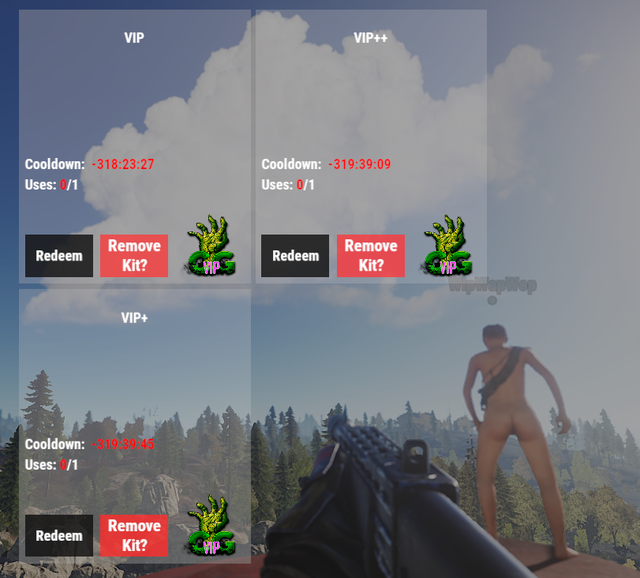
I did a search for 'size' in the Kits. cs and am guessing but this looks like it. Make a backup!
            static public void CreateLabel(ref CuiElementContainer container, string panel, string color, string text, int size, string aMin, string aMax, TextAnchor align = TextAnchor.MiddleCenter)
            {
                container.Add(new CuiLabel
                {
                    Text = { Color = color, FontSize = size, Align = align, FadeIn = 1.0f, Text = text },
                    RectTransform = { AnchorMin = aMin, AnchorMax = aMax }
                },
                panel);
            }
See the font sizes stored as a number (int size). I bet you could put a regular number in there.
or maybe it's these two (The 16 and 12):
UI.CreateLabel(ref element, PanelKits, UIColors["white"], kit.name, 16, $"{pos[0] + .005f} {pos[3] - .07f}", $"{pos[2] - .005f} {pos[3] - .01f}"); ///kit name margin?
            UI.CreateLabel(ref element, PanelKits, UIColors["white"], kit.description ?? string.Empty, 12, $"{pos[0] + .005f} {pos[3] - .18f}", $"{pos[2] - .005f} {pos[3] - .07f}", TextAnchor.UpperCenter);