When you install a turret, it automatically starts without authorization, it is not possible to disable it, authorize, etc..
Turrets without authorizationNot An Issue
I believe it is possible to authorize it for the firest few seconds while it's booting.
If you want auto auth, several other plugins provide that for turrets, such as Turret Manager and Turret Loadouts. Automatic Authorization and Dynamic Cup Share allow auth to be shared or synced with the tool cupboard. Auto Turret Authorization allows syncing turret auth with a tool cupboard.
If you want to be able to toggle the power, you can also wire in a powerless switch. If you want another way to toggle it, you can install Powerless Turrets or Turrets Extended.
How to turn off the turret for authorization :?
How to turn off the turret if you run out of ammo?
Make commands to enable and disable turrets.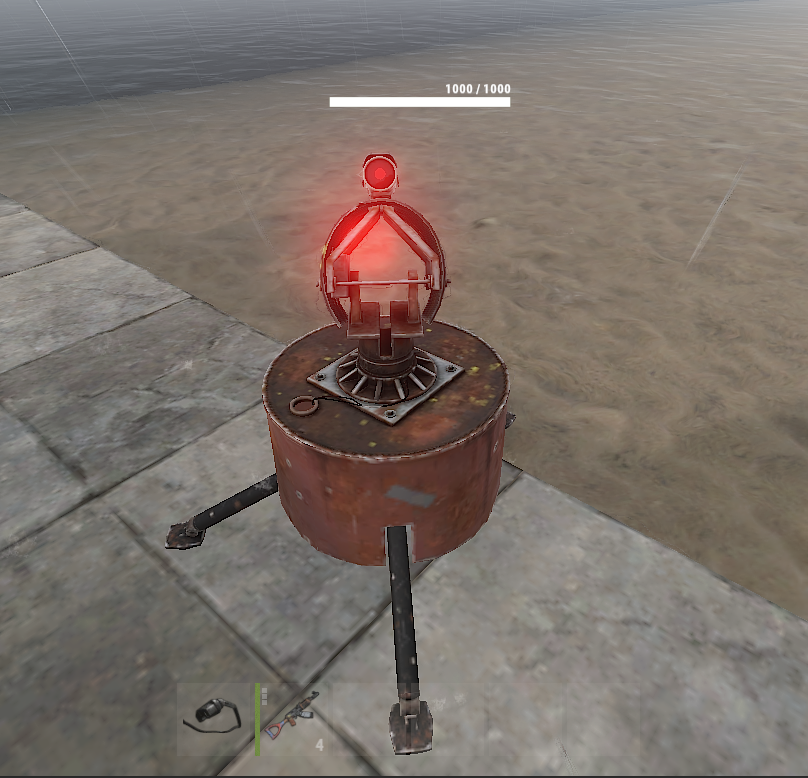
The current purpose of this plugin is for generally making any electronic entity powerless, not to make every single powerless entity as user friendly as possible. Yes, it supports turrets, but if the way it applies to turrets doesn't work for your use case, I suggest you simply turn off the powerless turrets option and install a different plugin that specializes in powerless turrets, which I described in my previous post in this thread.
At this time, I have no plans to add more features for controlling powerless turrets. However, I may add functionality to authorize turrets in the Always Lootable Turrets plugin, pending some potential Oxide updates.
I will add some notes to the plugin documentation about this issue because I see it becoming a trend.
Locked automatically