So, I am trying to create a shop that sells modular cars.
What I am doing is using NPCs while doing this but because of this you need to look at the NPC, if you look at the NPC and use command: spawn 2module_car_spawned \"$player.x $player.y $player.z\" , then the car spawns ontop of the player and crushes them, so I was going to use the spawnat command like this: spawnat 3module_car_spawned "-274, 1, -744" "0, 270, 0" , which the command works perfect in normal rust, but for some reason the plugin completely breaks because of the coordinates. If I remove the coordinates it works perfectly fine but I need these.
Is there any other way I could do this, you could add this, or this might be broken?
Either a bug or should be added.Solved
Ah, I see.
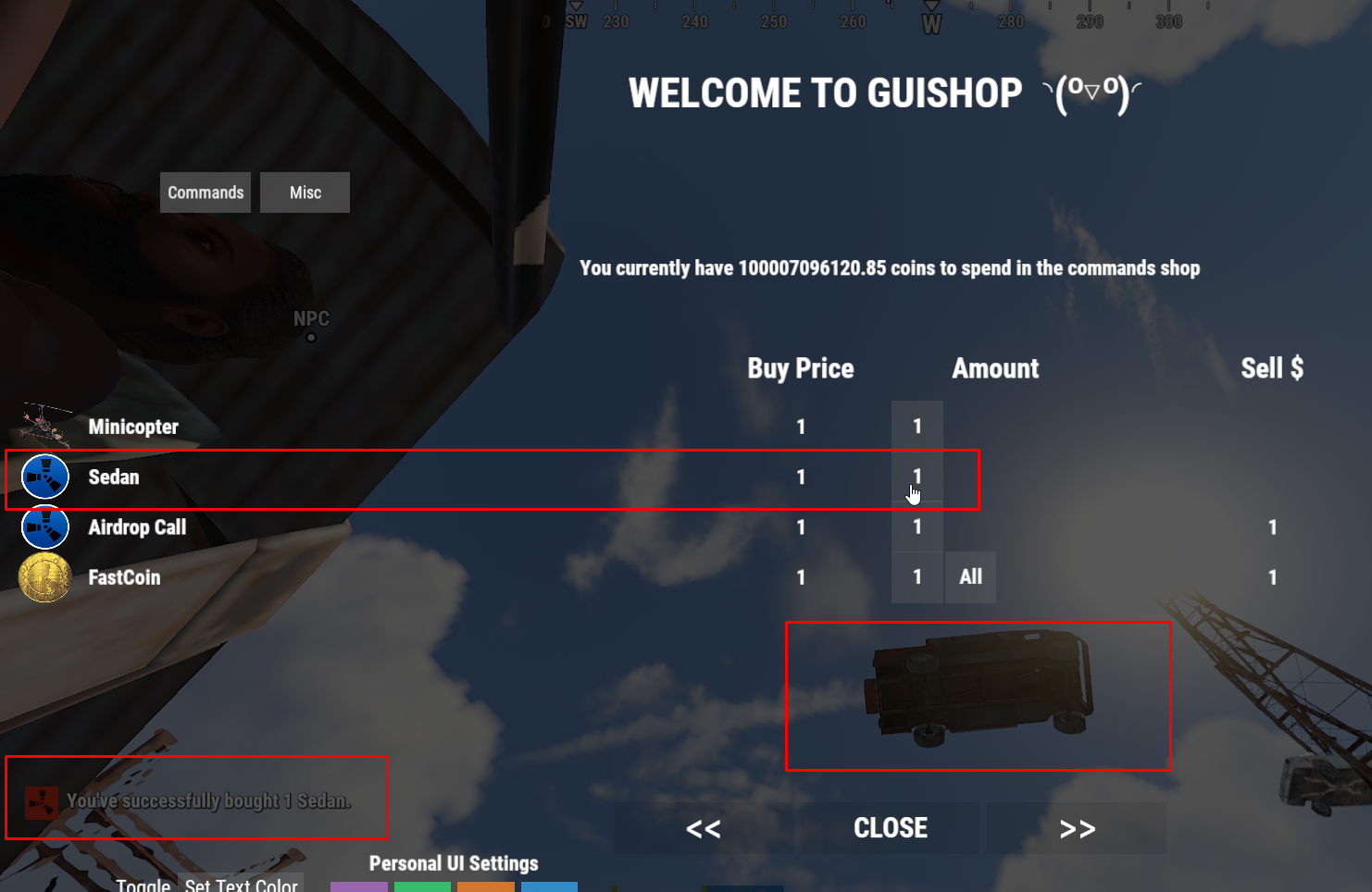
Well you could just simply do this instead Example;
      "Command": [
        "spawn 3module_car_spawned.entity \"-981.6, 12.0, -1189.0\" ",
      ],
Merged post
Simply stand right where you want the vehicle to spawn and in the F1 menu ( in-game ) type client.printpos

That will print out the cords for you to put inside your GUIShop config for the vehicle to spawn at.
Merged post
I was flying in the sky when I did mine so that's why mine spawned above me in the example picture ^
Awesome, thanks alot, how would I add rotation to this aswell?
Locked automatically