Port Forwarding is not working for rust local serverSolved

I want to have a local rust server on my pc to play with my friends.

After I turned on the server, I can enter to the server with the command "connect local host". I can even enter to the server with the *.*.*.* ip. But even though the server is found with the global ip, I can't lenter to the server.

I did port forwarding on the modem but when I tested with telnet, the ports were not open.

Please help me!!!!Image of port forwarding

ip : 192-168-0-101

You are trying to forward all the ports at once, that's no good. You must forward each port individually - no ranges! So for example your main game port looks like:

190-168-0-101 28015-28015 UDP ANY 28015-28015

server.port is UDP, all the rest are TCP (rcon.port, app.port, server.queryport)

Also don't forget to allow them through your firewall if you have one.

htmlSh3wbejUsbb.png JimDeadlock

You are trying to forward all the ports at once, that's no good. You must forward each port individually - no ranges! So for example your main game port looks like:

190-168-0-101 28015-28015 UDP ANY 28015-28015

server.port is UDP, all the rest are TCP (rcon.port, app.port, server.queryport)

Also don't forget to allow them through your firewall if you have one.

Thank You, but the problem is not solved yet.


Merged post


Let me know if you need my IP. Thanks!!

Merged post

I can connect with localhost :

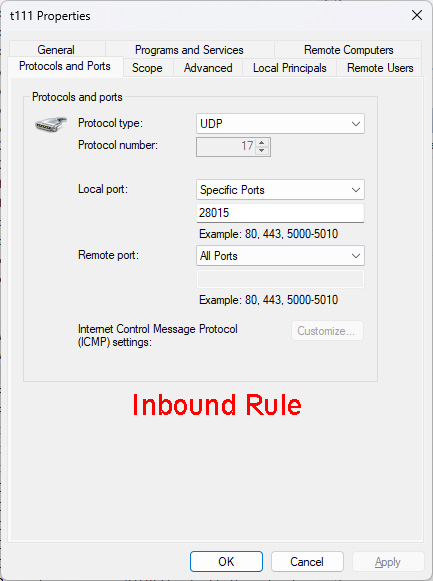
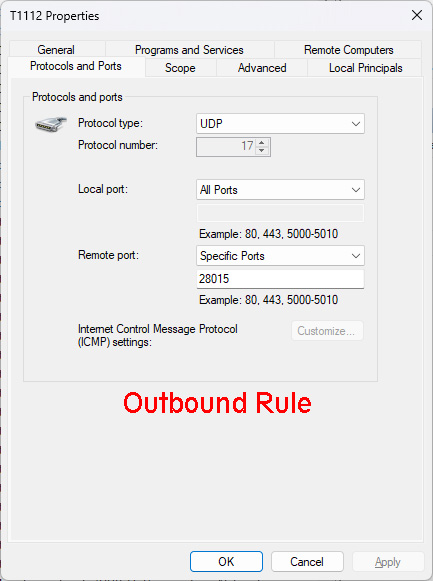
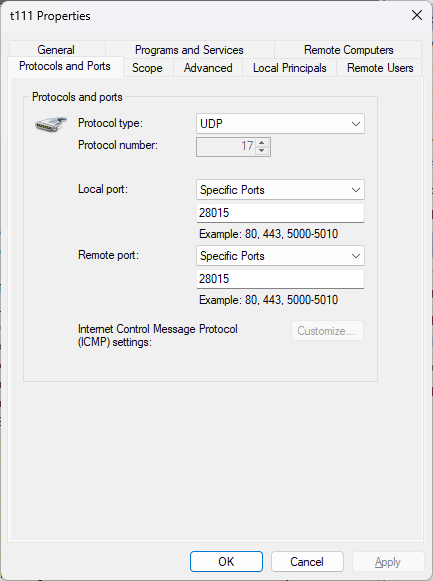
You do not need any outbound rules, this is all inbound. Do not select "all ports" for any rule - each port must be individual as I said before.

Local port 28015
Remote port 28015

And check your firewall

Thank You again !!!


htmlSh3wbejUsbb.png JimDeadlock

You do not need any outbound rules, this is all inbound. Do not select "all ports" for any rule - each port must be individual as I said before.

Local port 28015
Remote port 28015

And check your firewall

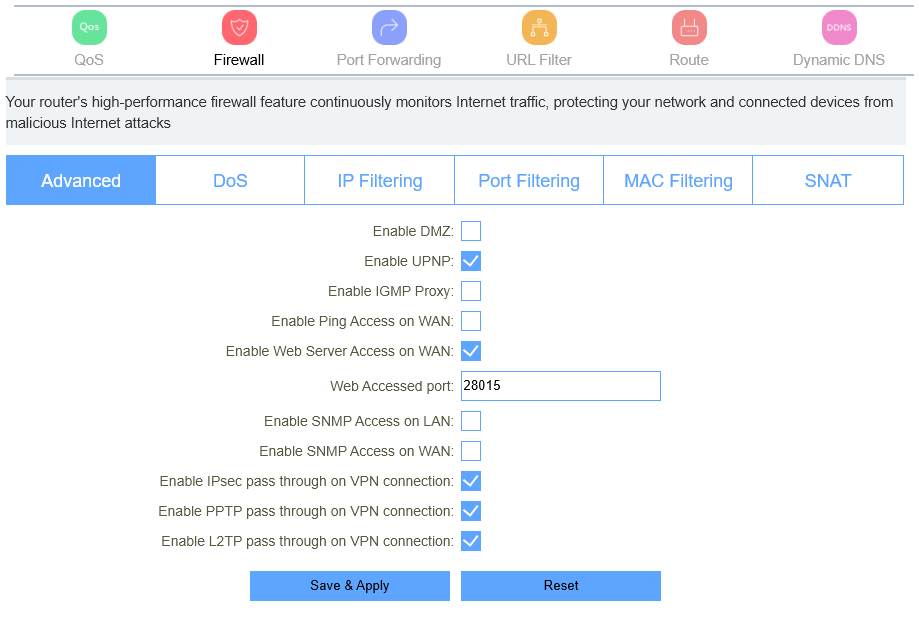
This is my modem Firewall 

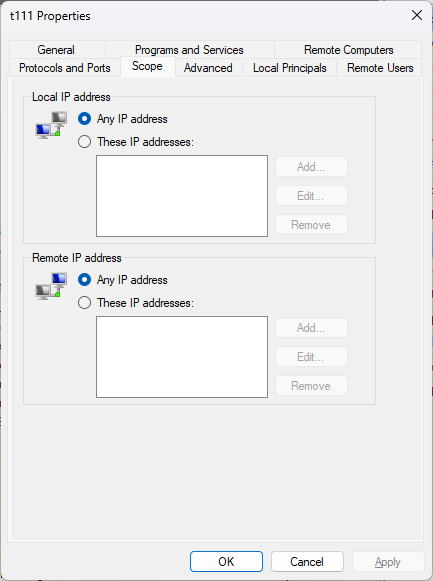
This is total confusion, one minute you are showing me your router settings and then your windows networking...

For port forwarding you should be using the port forwarding settings on your router/modem.

htmlSh3wbejUsbb.png JimDeadlock

This is total confusion, one minute you are showing me your router settings and then your windows networking...

For port forwarding you should be using the port forwarding settings on your router/modem.

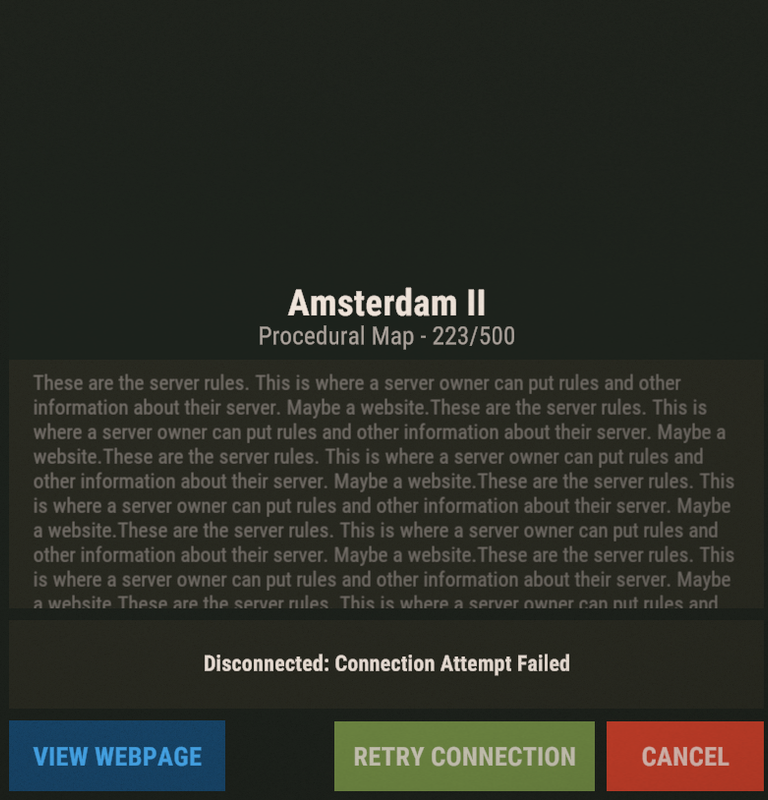
Could this be the reason why I can't connect to the server? :

I bought the game before but my account was stolen. I'm playing the game as a crack now and will buy it again in a few days.

Because I just tried to join a server and got the exact same error. Even though there were 47 people on the server

You've answered your own question

htmlSh3wbejUsbb.png JimDeadlock

You've answered your own question

Do I have to buy the game for joining?

For Steam Auth , i installed a plugin and i can join with localhost, now I can only join some servers.
I can't even join some of the servers I've joined before
MMDALIMM

Could this be the reason why I can't connect to the server? :

I bought the game before but my account was stolen. I'm playing the game as a crack now and will buy it again in a few days.

Because I just tried to join a server and got the exact same error. Even though there were 47 people on the server

No one is going to offer support to someone who admits they are using a cracked game. 

nMyfFlEnglczTD3.jpg pookins

No one is going to offer support to someone who admits they are using a cracked game. 

Even yourself?
I said I had bought the game before and I bought the game now.

When you go on a site like this and say you ARE using a cracked game  "and will buy it again in a few" you dont expect a reaction ?,  This is not a $100 dollar game where you have to pay for every upgrade,  they have kept the game cheap for the last 10+ years and in fact it is (again) on sale 40% off,

Locked automatically