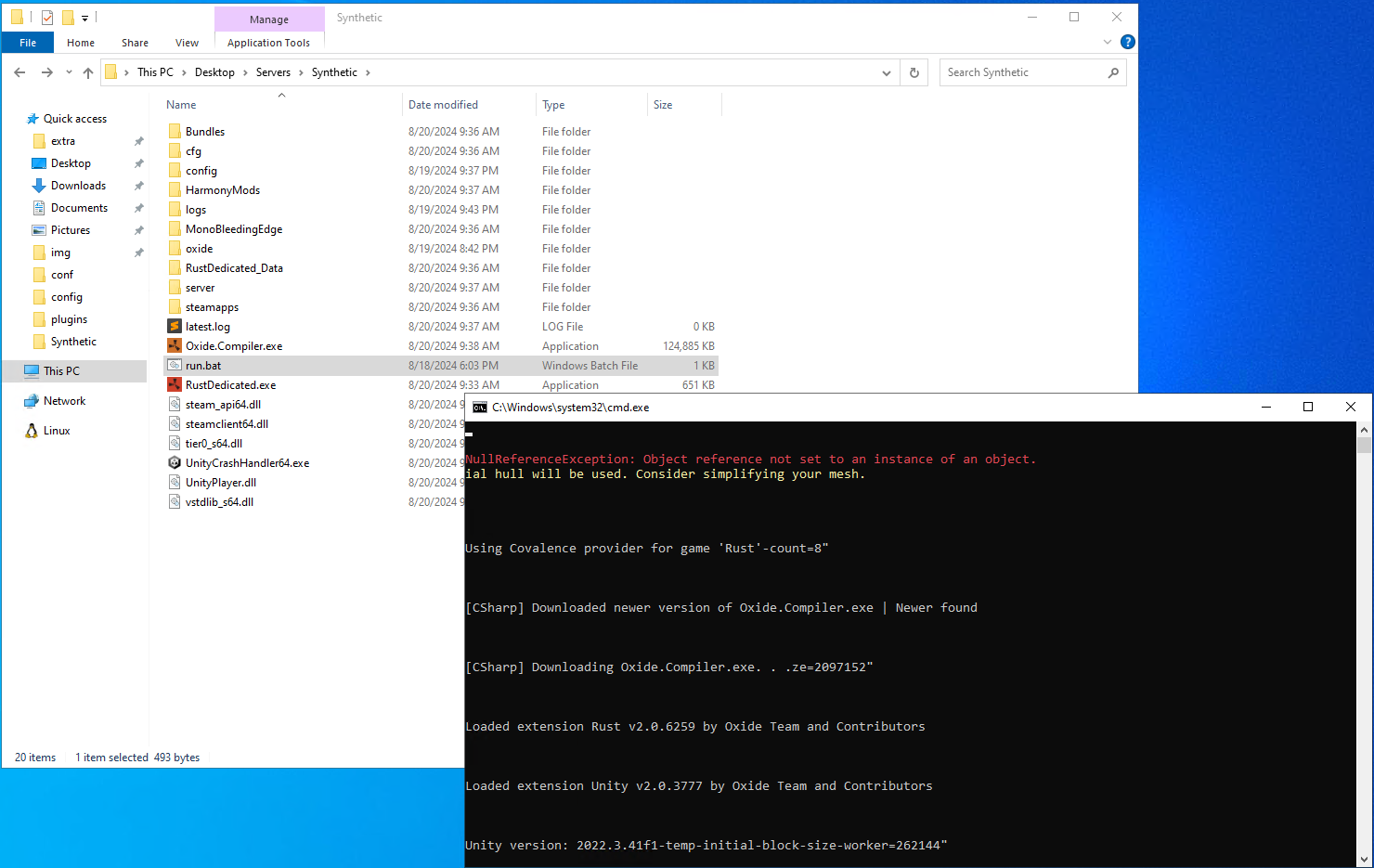
Rust Server failing to start (Windows)

After installing fresh from SteamCMD, installing UMod, The server hangs with the following error:

Windows Server 2022


Asset Warmup (7547/11743)
The referenced script (DigitalClock) on this Behaviour is missing!
The referenced script on this Behaviour (Game Object 'electric.digitalclock.deployed') is missing!
The referenced script on this Behaviour (Game Object '<null>') is missing!
The referenced script (DigitalClock) on this Behaviour is missing!
The referenced script on this Behaviour (Game Object 'electric.digitalclock.deployed') is missing!
Can't remove MeshFilter because TextMeshPro (Script) depends on it
Can't remove MeshRenderer because TextMeshPro (Script) depends on it
Failed to preprocess prefab: assets/prefabs/deployable/playerioents/digitalclock/electric.digitalclock.deployed.prefab
NullReferenceException: Object reference not set to an instance of an object.
  at Construction.AttributeSetup (UnityEngine.GameObject rootObj, System.String name, System.Boolean serverside, System.Boolean clientside, System.Boolean bundling) [0x00036] in <0639406c7f0540ea9fcd082648f6903f>:0 
  at PrefabAttribute.PreProcess (IPrefabProcessor preProcess, UnityEngine.GameObject rootObj, System.String name, System.Boolean serverside, System.Boolean clientside, System.Boolean bundling) [0x000c1] in <0639406c7f0540ea9fcd082648f6903f>:0 
  at PrefabPreProcess.ProcessObject (System.String name, UnityEngine.GameObject go, System.Boolean resetLocalTransform) [0x001dc] in <0639406c7f0540ea9fcd082648f6903f>:0 
  at PrefabPreProcess.Process (System.String name, UnityEngine.GameObject go) [0x00042] in <0639406c7f0540ea9fcd082648f6903f>:0 
  at GameManager.FindPrefab (System.String strPrefab) [0x0004b] in <0639406c7f0540ea9fcd082648f6903f>:0 
  at FileSystem_Warmup.PrefabWarmup (System.String path) [0x0000a] in <0639406c7f0540ea9fcd082648f6903f>:0 
  at FileSystem_Warmup+<RunImpl>d__9.MoveNext () [0x00100] in <0639406c7f0540ea9fcd082648f6903f>:0 
  at UnityEngine.SetupCoroutine.InvokeMoveNext (System.Collections.IEnumerator enumerator, System.IntPtr returnValueAddress) [0x00026] in <935634f5cc14479dbaa30641d55600a9>:0 

Hoping someone has a fix?


Edit: It does this on staging too

if its erroring on asset warmup, my money is on missing files. use steam to +validate your install

Looks like your installing staging in that error so the error must be difrent on non staging What error you get on non staging

DigitalClock​

Is not out yet so if you geting that error means ou still installing staging post ya update script.

9zlMTtrnCImGEGq.png Razor

Looks like your installing staging in that error so the error must be difrent on non staging What error you get on non staging

DigitalClock​

Is not out yet so if you geting that error means ou still installing staging post ya update script.

I thought the same thing but I originally was not using staging. I even made a completely new server folder to test.

- Made a new folder called test
- Opened SteamCMD
- force_install_dir blah
- login anonymous
- app_update 258550 validate
- Once finished, starting the server works fine at this step. Can fully let it launch from here if wanted.
- Install oxide from latest Github/Releases
- Server will now hang with the stacktrace in OP.

For shiggs I did this process just now, with making a new server, and same results. I even cleaned SteamCMD cache, used a totally new folder for the server install.


kbHgn1jPjr5SbjI.jpg Bryce0001

I thought the same thing but I originally was not using staging. I even made a completely new server folder to test.

- Made a new folder called test
- Opened SteamCMD
- force_install_dir blah
- login anonymous
- app_update 258550 validate
- Once finished, starting the server works fine at this step. Can fully let it launch from here if wanted.
- Install oxide from latest Github/Releases
- Server will now hang with the stacktrace in OP.

For shiggs I did this process just now, with making a new server, and same results. I even cleaned SteamCMD cache, used a totally new folder for the server install.


Use

app_update 258550 -beta public validate
XFnVD415wJ2txvk.png Razor

Use

app_update 258550 -beta public validate
This fixed it. So if I'm to understand this, if you switch your server to staging once, it installs staging by default for all other installs hencefourth? Seems like this command fixed it by explicitly specifying main branch. 

Thanks man.

No but the one ya were using is installing a branch that is not compadable with oxide.