Did a recent rust server update completely break your server this might help.
To get an older version of a Rust server go to steamdb
https://steamdb.info/app/258550/
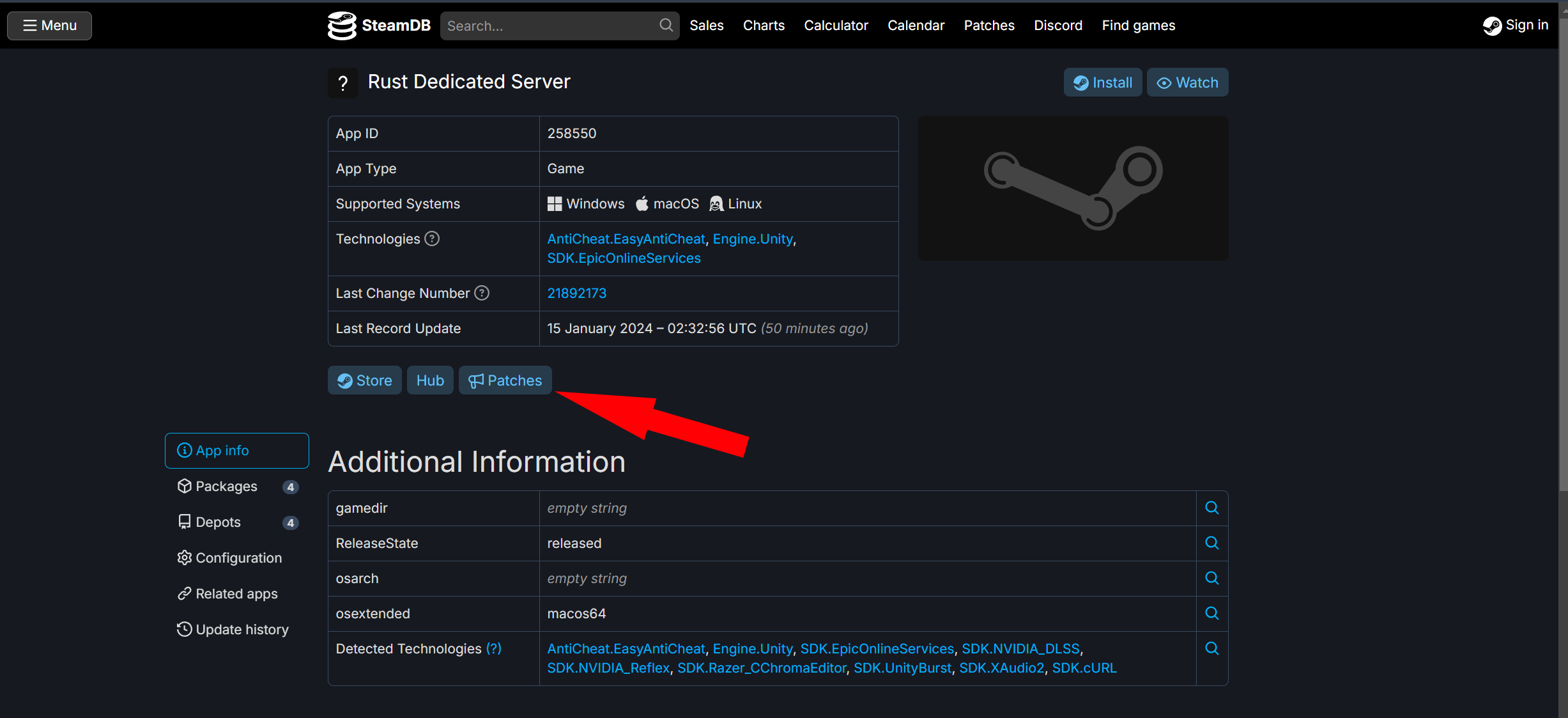
then click on patches.
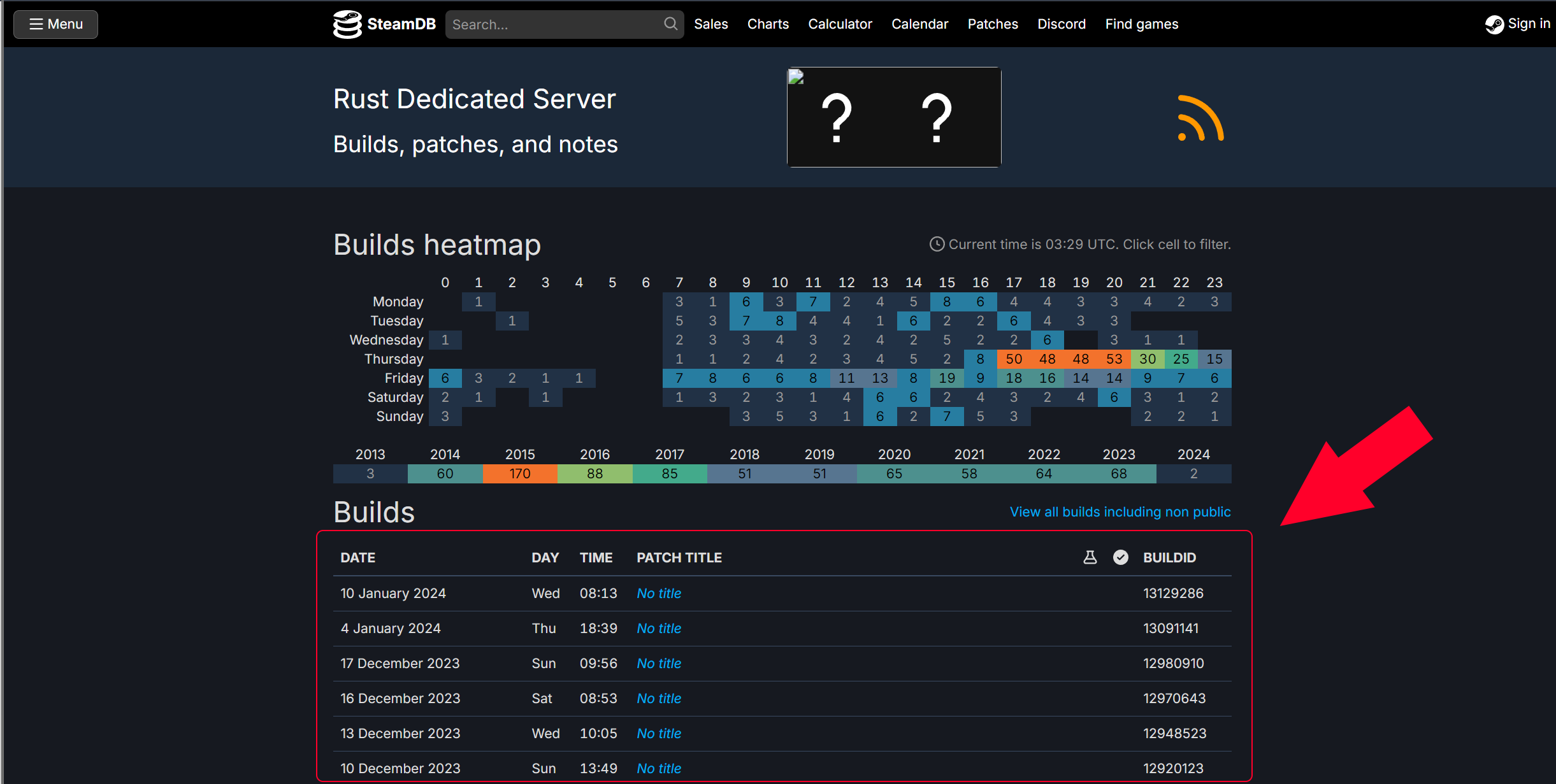
From here find the version that you want on the list.
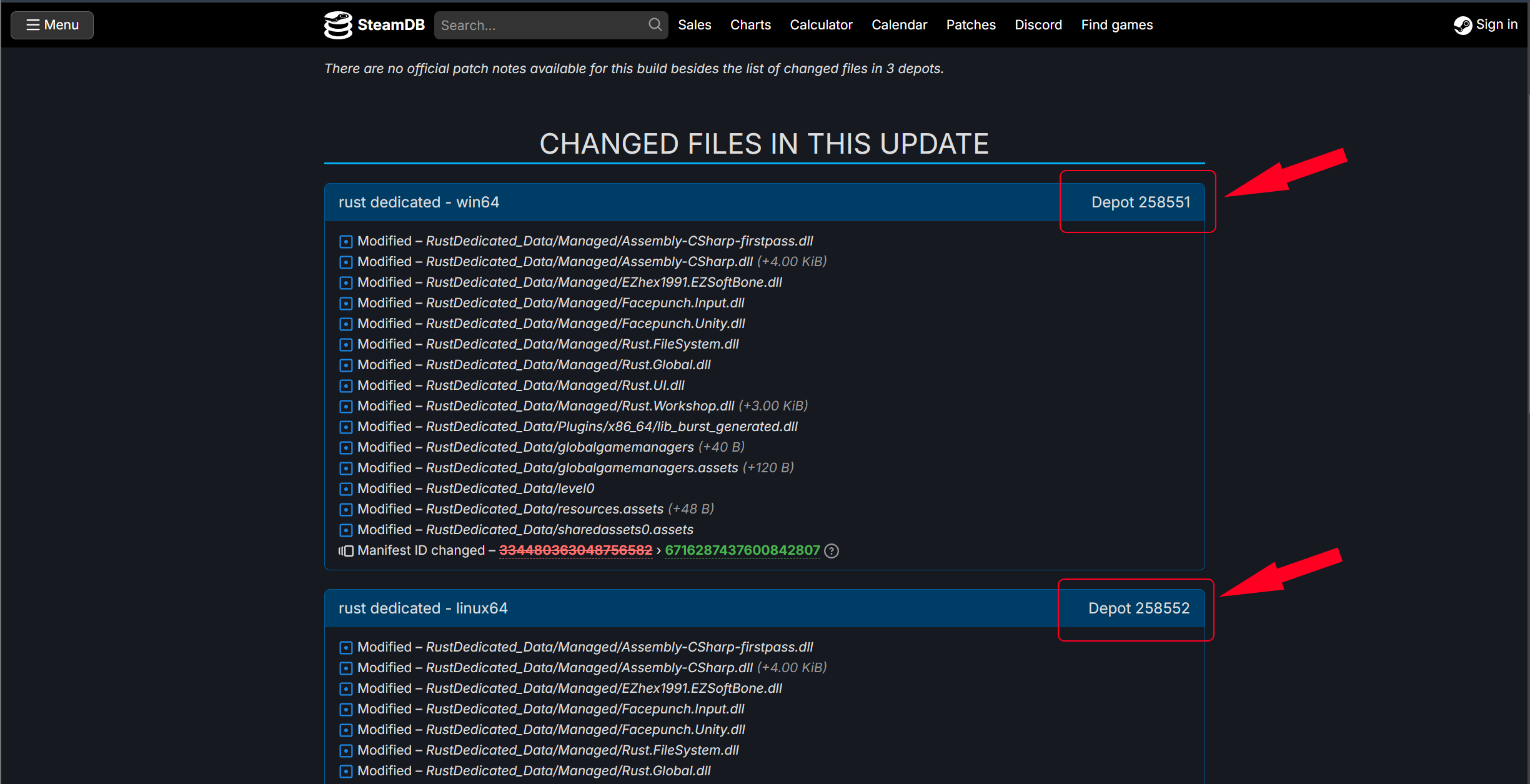
Pick either Windows or Linux for your use case then click the depot ID for the version you want.
Write down the Depot ID, and Manifest ID. Make sure you get the Correct Manifest ID.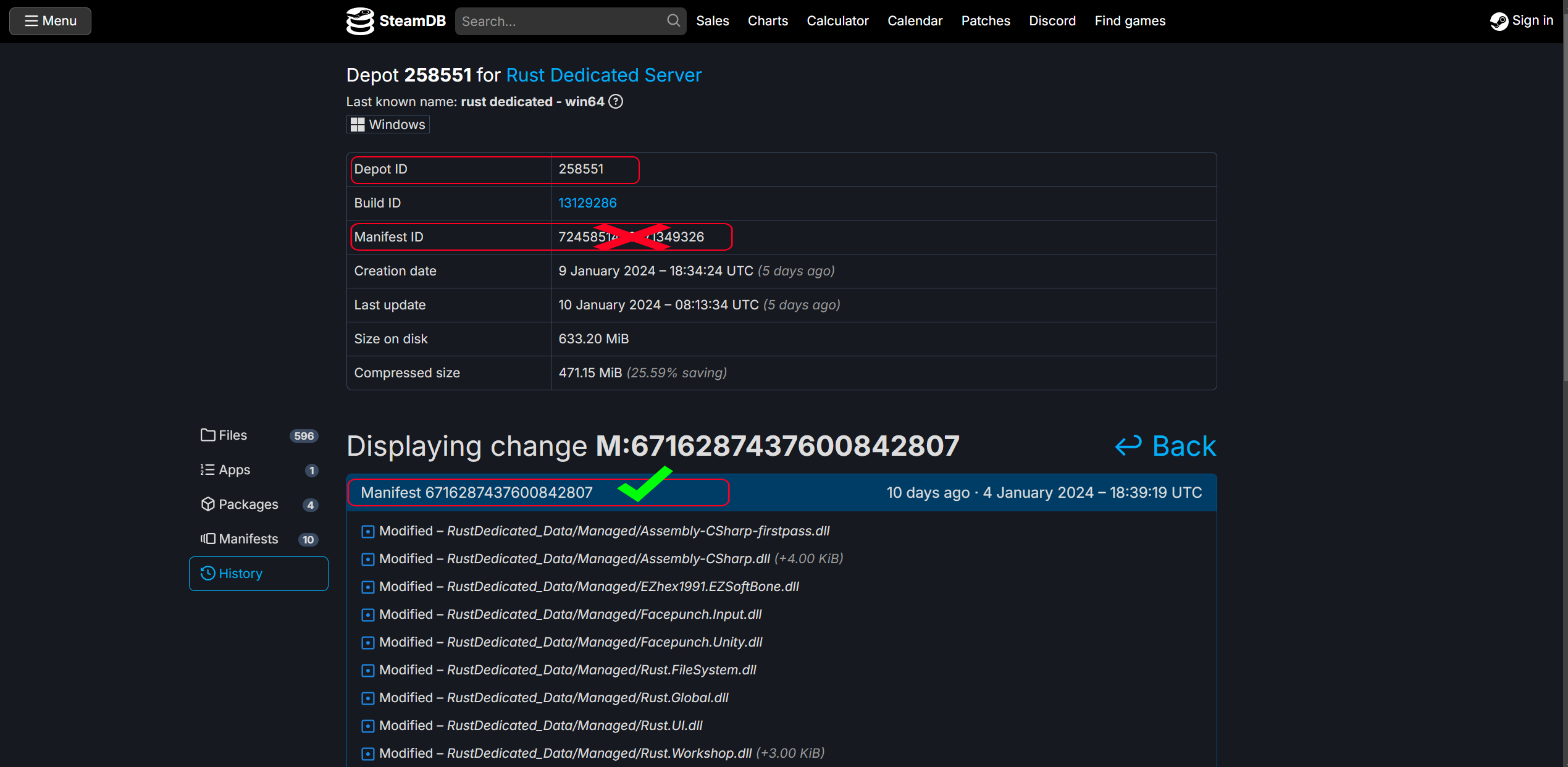
open up steamcmd and put in this command
force_install_dir c:\(directory path) <-- Don't know if this matters forced habit.
login anonymous
download_depot <appid> <depotid> [<target manifestid>]
(example) "download_depot 258550 258551 6716287437600842807"
Note: you will not get any Indication that the download has proceeded other than downloading depot (numberxxxxx...)
You will get a notification when it's finished. Gotta love archives.
Note: The package might download to a directory within Steamcmd. If this happens it will be listed in the console for the directory path.
Navigate to that directory and move it where you would like it. Example: where you might find it.
"C:\steamcmd\steamcmd\steamapps\content\app_258550\depot_258551"
Inside of the depot_xxxxxx folder, you will have the older version of the Rust server. Now it's time to make it work. you will need the bundle folder from an existing server and place it in the root of the files that you just downloaded. From there you should be able to boot the server with whatever bat file you have for your use case.
Hope this helps, LizardMods, Timeconsumer