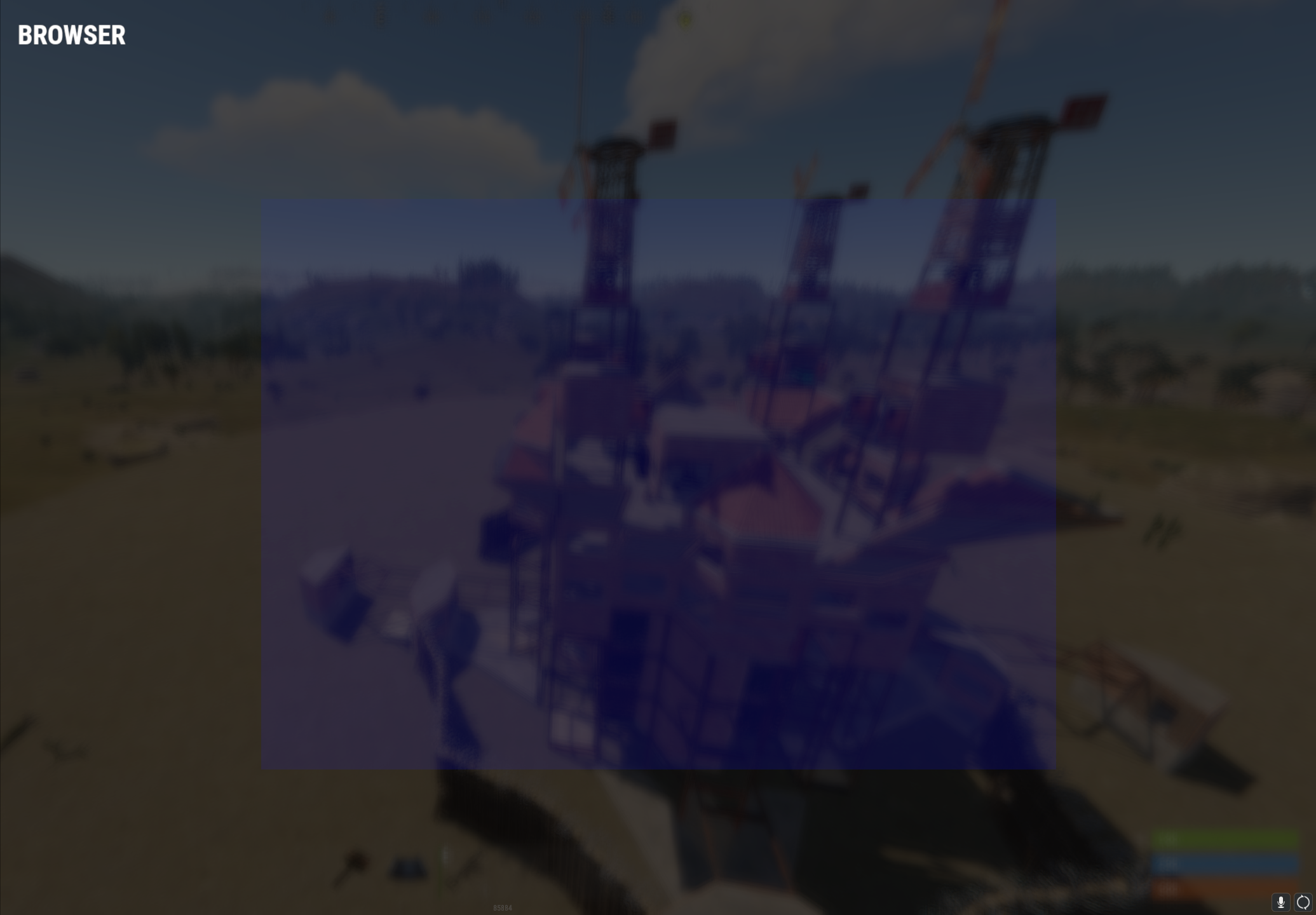
yea, but i figured it would scale from 1280x720 like the documentation said.
I had to set my offsets to be 1828 x 1028 to "fill" the screen. on 2560x1440
But I had figured that given my width ratio to be .5 (2560 / 1280) and my height ratio to be .5 (1440 / 720), so if I would have specified a offsetmin of (-640 -320) and an offsetmax of (640 320) which would in turn become a size of 1280x720 X 2 = 2560 x1440. But what I am finding is this isn't the case and I am failing to figure out what it is actually doing. I understand that it is trying to keep an aspect ratio, but what I am failing to figure out is what 1280x720 from the documentation means other than that is when 100x100 is true 100x100, and if I would ever use offsets for a UI that would want to scale, or if I should just use anchors as they are pure percentages.
Even when my resolution is 1280x720, if i use 640 360 it doesn't fill the scree
From a youtube video I found, here is some demo code I am using for testing
Merged postusing Oxide.Game.Rust.Cui;
using UnityEngine;
namespace Oxide.Plugins
{
[Info("UITests", "celticbagger", "0.0.1")]
[Description("UI Tests")]
public class UITests : RustPlugin
{
private const string UI_NAME = "HelloWorld";
//private const int SCREEN_WIDTH = 1828;
//private const int SCREEN_HEIGHT = 1028;
private const int SCREEN_WIDTH = 1280;
private const int SCREEN_HEIGHT = 720;
#region json
private static string TEMPLATE = @"
[
{
""name"": """ + UI_NAME + @""",
""parent"": ""Hud"",
""components"": [
{
""type"": ""UnityEngine.UI.Image"",
""color"": ""1 1 1 1""
},
{
""type"": ""RectTransform"",
""anchormin"": ""0.5 0.5"",
""anchormax"": ""0.5 0.5"",
""offsetmin"": """ + SCREEN_WIDTH / -2 + @" " + SCREEN_HEIGHT / -2 + @""",
""offsetmax"": """ + SCREEN_WIDTH / 2 + @" " + SCREEN_HEIGHT / 2 + @"""
},
{
""type"": ""NeedsCursor""
}
]
},
{
""name"": ""f96a-e995-af1d"",
""parent"": ""HelloWorld"",
""components"": [
{
""type"": ""UnityEngine.UI.Text"",
""color"": ""1 0 0 1"",
""fontSize"": 14,
""align"": ""MiddleCenter"",
""text"": ""{labeltext}""
},
{
""type"": ""RectTransform"",
""anchormin"": ""0.31 0.593"",
""anchormax"": ""0.695 0.707""
}
]
},
{
""name"": ""8f66-03f8-9c3a"",
""parent"": ""HelloWorld"",
""components"": [
{
""type"": ""UnityEngine.UI.Button"",
""command"": ""guitest.close"",
""close"": """",
""color"": ""0.31 0.31 0.31 1""
},
{
""type"": ""RectTransform"",
""anchormin"": ""0.385 0.093"",
""anchormax"": ""0.635 0.427""
}
]
},
{
""name"": ""a7dd-4c1d-71fb"",
""parent"": ""8f66-03f8-9c3a"",
""components"": [
{
""type"": ""UnityEngine.UI.Text"",
""color"": ""1 1 1 1"",
""fontSize"": 14,
""align"": ""MiddleCenter"",
""text"": ""{buttontext}""
},
{
""type"": ""RectTransform"",
""anchormin"": ""0 0"",
""anchormax"": ""1 1""
}
]
}
]
";
#endregion
private void OnServerInitialized()
{
cmd.AddChatCommand("guitest", this, CommandGuiTest);
cmd.AddConsoleCommand($"guitest", this, (arg) =>
{
CommandGuiTest(arg.Player(), "guitest", arg.Args ?? new string[] { });
return true;
});
cmd.AddConsoleCommand($"guitest.close", this, (arg) =>
{
CommandGuiTestClose(arg.Player(), "guitest.close", arg.Args ?? new string[] { });
return true;
});
foreach(var player in Player.Players)
{
CuiHelper.DestroyUi(player, UI_NAME);
}
}
void Unload()
{
foreach (var player in BasePlayer.allPlayerList)
{
if (player.IsConnected)
CuiHelper.DestroyUi(player, UI_NAME);
}
}
private void CommandGuiTest(BasePlayer player, string command, string[] args)
{
var labelText = "Hello World!";
var buttonText = "Close";
var filledTemplate = TEMPLATE.Replace("{labeltext}", labelText).Replace("{buttontext}", buttonText);
CuiHelper.DestroyUi(player, UI_NAME);
CuiHelper.AddUi(player, filledTemplate);
}
private void CommandGuiTestClose(BasePlayer player, string command, string[] args)
{
player.SendMessage("Closing menu!");
CuiHelper.DestroyUi(player, UI_NAME);
}
}
}