Hello guys,
I am trying to deal with this issue for last 3 days. We have a VM on own dedicated server virtaulized via (OpenStack/KVM). We use Fedora (or Centos) for VMs and LGSM for gameserver management - running multiple VMS with more than 20 gameservers of 10 different games atm.
On the Vanilla Rust server I can pair the Rust+ APP with the server without any issues, as soon as I install the Oxide/uMod there is this message in the log and I can´t pair the server with the Rust+ mod. I can uninstall the Oxide/uMod and validate serverfiles to make Rust+ APP pair working again.
Server startup complete
Failed to setup companion server registration: System.Net.Http.HttpRequestException: An error occurred while sending the request ---> System.Net.WebException: Error: NameResolutionFailure
  at System.Net.HttpWebRequest.EndGetRequestStream (System.IAsyncResult asyncResult) [0x0003a] in <14e3453b740b4bd690e8d4e5a013a715>:0
  at System.Threading.Tasks.TaskFactory`1[TResult].FromAsyncCoreLogic (System.IAsyncResult iar, System.Func`2[T,TResult] endFunction, System.Action`1[T] endAction, System.Threading.Tasks.Task`1[TResult] promise, System.Boolean requiresSynchronization) [0x0000f] in <fb001e01371b4adca20013e0ac763896>:0
--- End of stack trace from previous location where exception was thrown ---
  at System.Runtime.ExceptionServices.ExceptionDispatchInfo.Throw () [0x0000c] in <fb001e01371b4adca20013e0ac763896>:0
  at System.Runtime.CompilerServices.TaskAwaiter.ThrowForNonSuccess (System.Threading.Tasks.Task task) [0x0003e] in <fb001e01371b4adca20013e0ac763896>:0
  at System.Runtime.CompilerServices.TaskAwaiter.HandleNonSuccessAndDebuggerNotification (System.Threading.Tasks.Task task) [0x00028] in <fb001e01371b4adca20013e0ac763896>:0
  at System.Runtime.CompilerServices.TaskAwaiter.ValidateEnd (System.Threading.Tasks.Task task) [0x00008] in <fb001e01371b4adca20013e0ac763896>:0
  at System.Runtime.CompilerServices.ConfiguredTaskAwaitable`1+ConfiguredTaskAwaiter[TResult].GetResult () [0x00000] in <fb001e01371b4adca20013e0ac763896>:0
  at System.Net.Http.HttpClientHandler+<SendAsync>d__64.MoveNext () [0x002e7] in <7ebf3529ba0e4558a5fa1bc982aa8605>:0
   --- End of inner exception stack trace ---
  at System.Net.Http.HttpClientHandler+<SendAsync>d__64.MoveNext () [0x00478] in <7ebf3529ba0e4558a5fa1bc982aa8605>:0
--- End of stack trace from previous location where exception was thrown ---
  at System.Runtime.ExceptionServices.ExceptionDispatchInfo.Throw () [0x0000c] in <fb001e01371b4adca20013e0ac763896>:0
  at System.Runtime.CompilerServices.TaskAwaiter.ThrowForNonSuccess (System.Threading.Tasks.Task task) [0x0003e] in <fb001e01371b4adca20013e0ac763896>:0
  at System.Runtime.CompilerServices.TaskAwaiter.HandleNonSuccessAndDebuggerNotification (System.Threading.Tasks.Task task) [0x00028] in <fb001e01371b4adca20013e0ac763896>:0
  at System.Runtime.CompilerServices.TaskAwaiter.ValidateEnd (System.Threading.Tasks.Task task) [0x00008] in <fb001e01371b4adca20013e0ac763896>:0
  at System.Runtime.CompilerServices.ConfiguredTaskAwaitable`1+ConfiguredTaskAwaiter[TResult].GetResult () [0x00000] in <fb001e01371b4adca20013e0ac763896>:0
  at System.Net.Http.HttpClient+<SendAsyncWorker>d__47.MoveNext () [0x000ca] in <7ebf3529ba0e4558a5fa1bc982aa8605>:0
--- End of stack trace from previous location where exception was thrown ---
  at System.Runtime.ExceptionServices.ExceptionDispatchInfo.Throw () [0x0000c] in <fb001e01371b4adca20013e0ac763896>:0
  at System.Runtime.CompilerServices.TaskAwaiter.ThrowForNonSuccess (System.Threading.Tasks.Task task) [0x0003e] in <fb001e01371b4adca20013e0ac763896>:0
  at System.Runtime.CompilerServices.TaskAwaiter.HandleNonSuccessAndDebuggerNotification (System.Threading.Tasks.Task task) [0x00028] in <fb001e01371b4adca20013e0ac763896>:0
  at System.Runtime.CompilerServices.TaskAwaiter.ValidateEnd (System.Threading.Tasks.Task task) [0x00008] in <fb001e01371b4adca20013e0ac763896>:0
  at System.Runtime.CompilerServices.TaskAwaiter`1[TResult].GetResult () [0x00000] in <fb001e01371b4adca20013e0ac763896>:0
  at CompanionServer.Server+<SetupServerRegistration>d__15.MoveNext () [0x0009e] in <a34e7683b69f4178abf09c977fe4da3e>:0
(Filename: ./Runtime/Export/Debug/Debug.bindings.h Line: 35)
But as you can see below, server with Oxide/uMod installed seems to be configured well (here are screenshots of the server when Oxide/uMod was installed):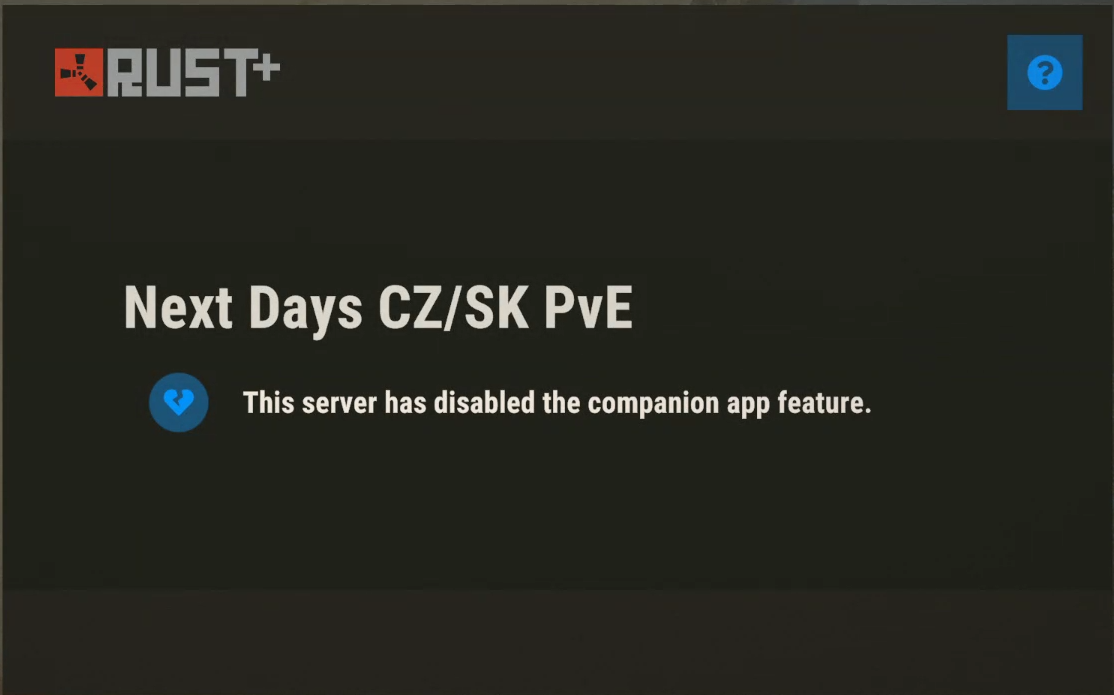
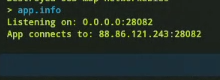
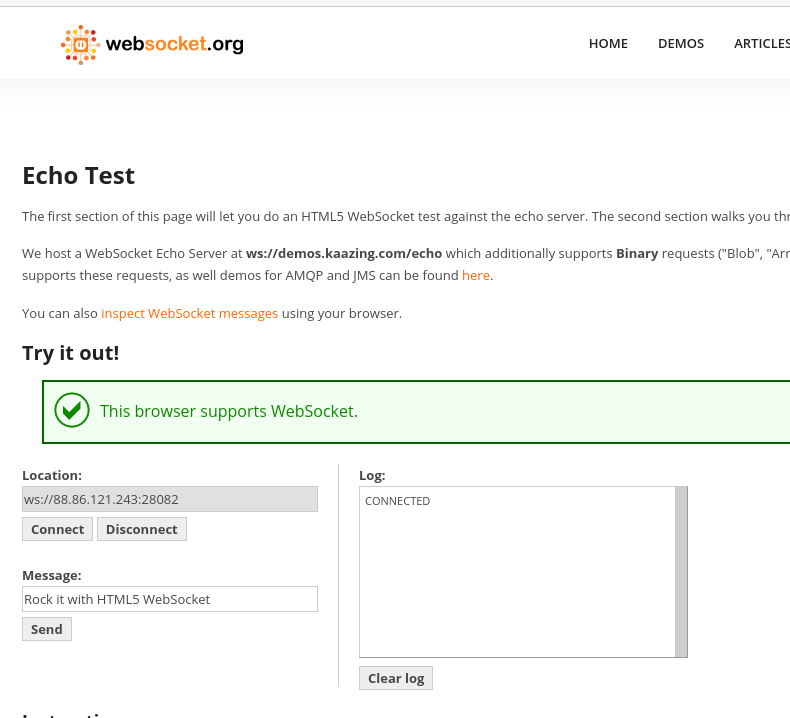
tcp 0 0 *.*.*.*:28082 *.*.*.*:* LISTEN 617290/./RustDedica
I notitced some admins on Rust Discord or here on the commuity board having similar issue but none of them shared solution, does anyone know what can I do to debug and solve this issue?
Thanks
Tomas
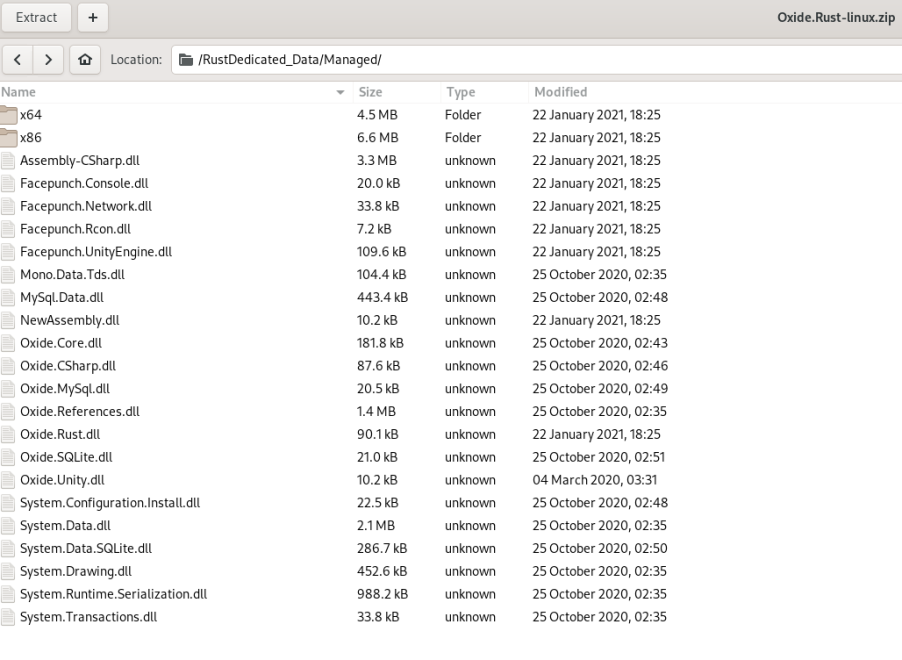 as soon as I validate the server files, the Rust+ feature starts to work again, which seem wierd to me, dunno what's wrong here