is there a way to make the backgrounds clear, i hate the smoke feature on it.
The image you are reque sting does not exist or is no longer available.
so all wse have to do is replace what nivex posted and remove the bad links?
is that correct???
I made some new icons for use, FYI.
Download here: https://rustelevated.com/resources/rust-info-panel-icons/
MONSTRO
I made some new icons for use, FYI.
Download here: https://rustelevated.com/resources/rust-info-panel-icons/
Oho! Those are beautiful, thank you. Do you have one for radiation?
PPlank
Oho! Those are beautiful, thank you. Do you have one for radiation?
I just updated the page. Just refresh it. https://rustelevated.com/resources/rust-info-panel-icons/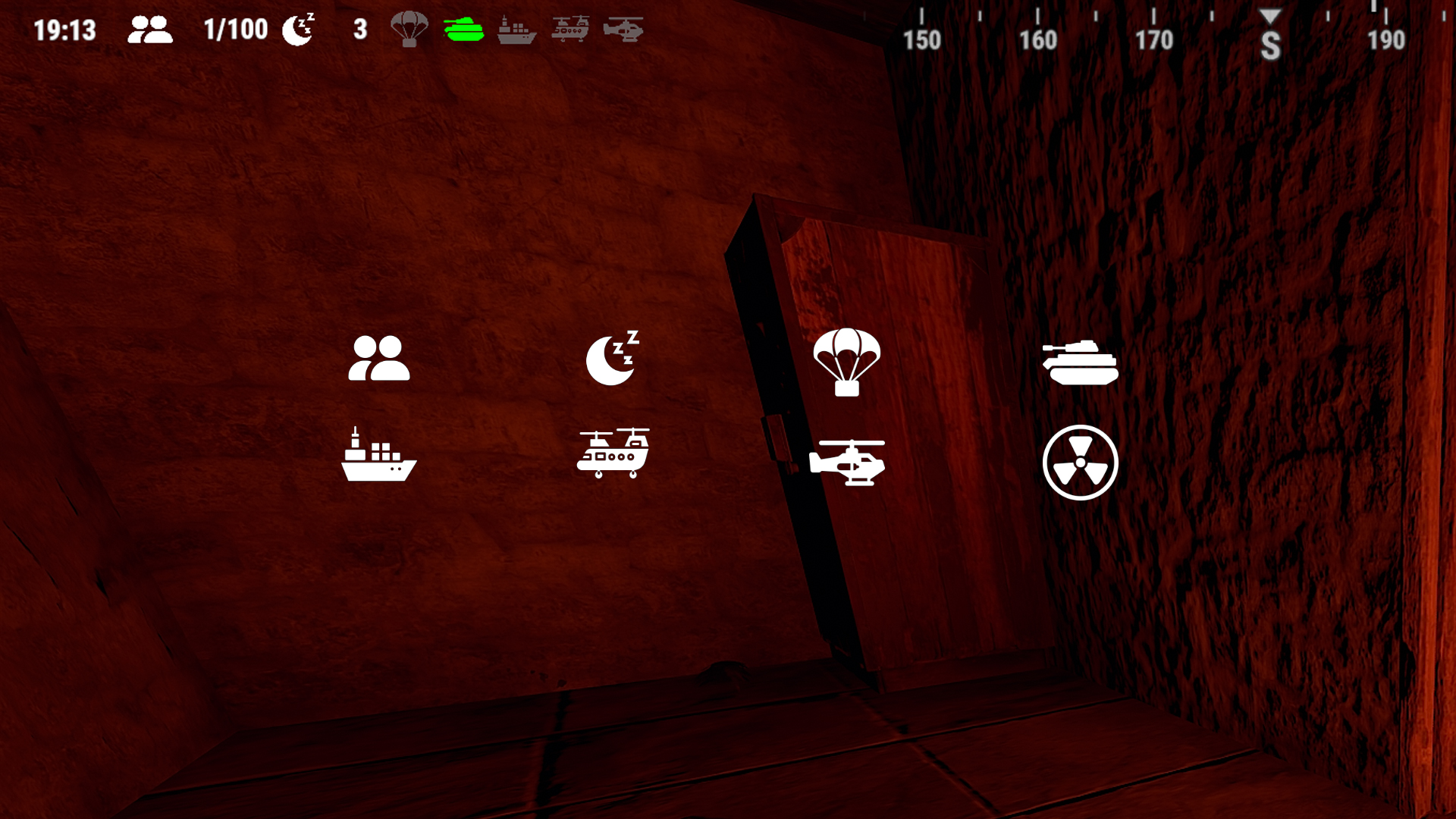
Very nice! They don't look like they're for minecraft. lol
MONSTRO
I just updated the page. Just refresh it.
Fantastic! Thank you. 😘
Fantastic! Thank you. 😘
Give it one more refresh, just added the rest to the page. Should all be there now that covers everything.
Guys, I am not too good with editing plugins, how to implement this icons in config file?
Yeah, that's great thank you for your work. 🙂MONSTRO
Give it one more refresh, just added the rest to the page. Should all be there now that covers everything.
Replace them: https://imgur.com/a/5pYFg5G
How do I get rid of these gray transparent backgrounds https://gyazo.com/e6bc83b7dd0e1fc953e53119be13b2ce
4weed2weed0How do I get rid of these gray transparent backgrounds https://gyazo.com/e6bc83b7dd0e1fc953e53119be13b2ce
My first answer was "Open the InfoPanel.json config and look for everywhere you see BackgroundColor and change the values one at a time, reloading the plugin each time until you get the desired look. I know that's probably not the answer you're looking for but my experience of this plugin is it isn't absolutely obvious what all the values do, and the only way of getting there is by trial and error. Even one of the devs (Default) that used to look after it (not the original dev of this plugin) told me trial and error."
However, I've just had a bit of a fiddle with the config and found that in the "Panels" section of the config underneath (for example) "Clock" you can change the BackgroundColor to "0 0 0 0" and that works to make them transparent. 🙂 "Clock": {
"AnchorX": "Left",
"AnchorY": "Bottom",
"Autoload": true,
"Available": true,
"BackgroundColor": "0 0 0 0",
"Dock": "BottomMiddleDock",
"FadeOut": 0.0,
"Height": 0.90,
"Margin": "0 0 0 0.01",
"Order": 1,
"PanelSettings": {
"ClockUpdateFrequency (seconds)": 4,
"TimeFormat": "HH:mm"Awesome pics :) Cant seem to get the Bradley one to work however? Anyone else having this issue?