whats going on with this plugin !!! Kits, Xperience and some Skin plugin cant be read the images. Reloaded All Plugins, and so on. Deinstalled Image Library completelly. (all, files) then i start new but wrong things going on agaion, hm . can someone help ? Yesterday all was good and funny.
Images not loadingFixed
I also lost half of the pictures since yesterday
Problems since yesterday. Pictures stopped loading. What is the reason?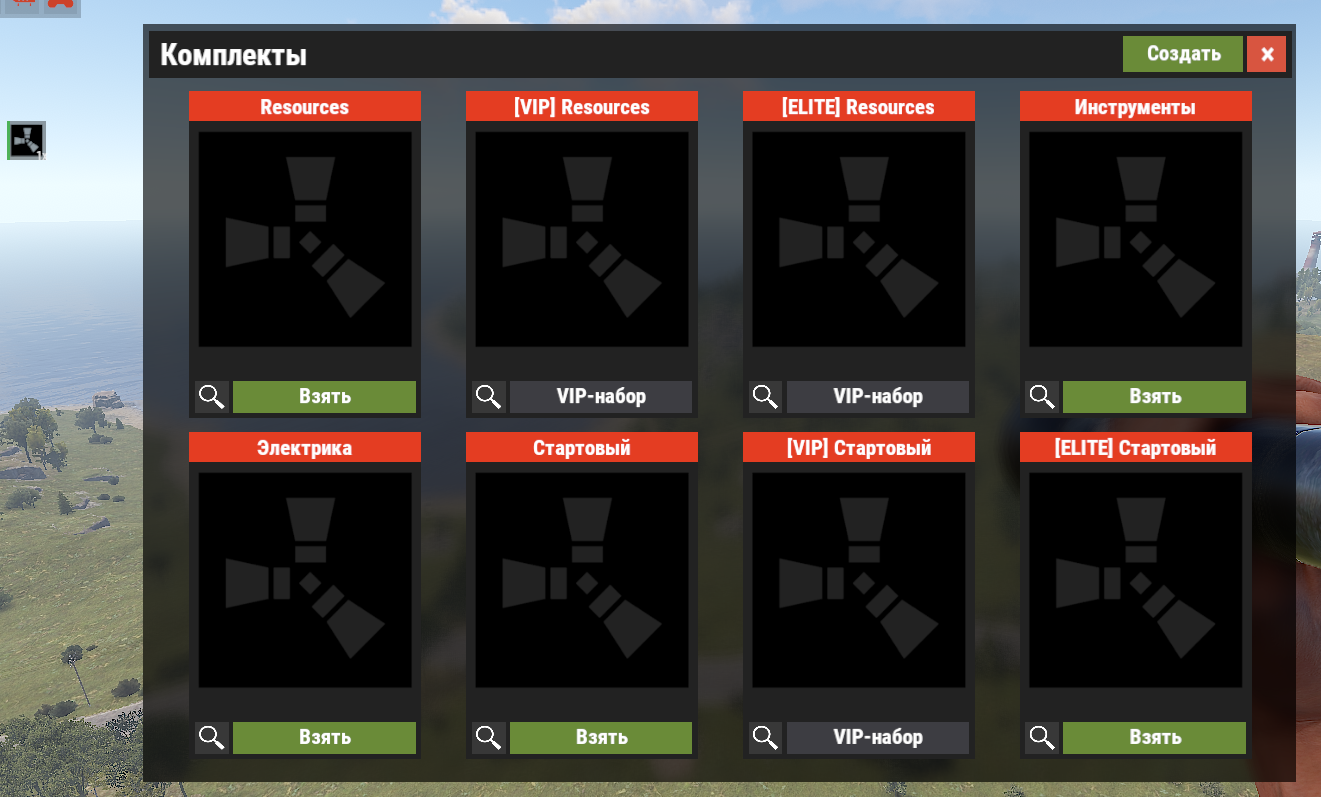
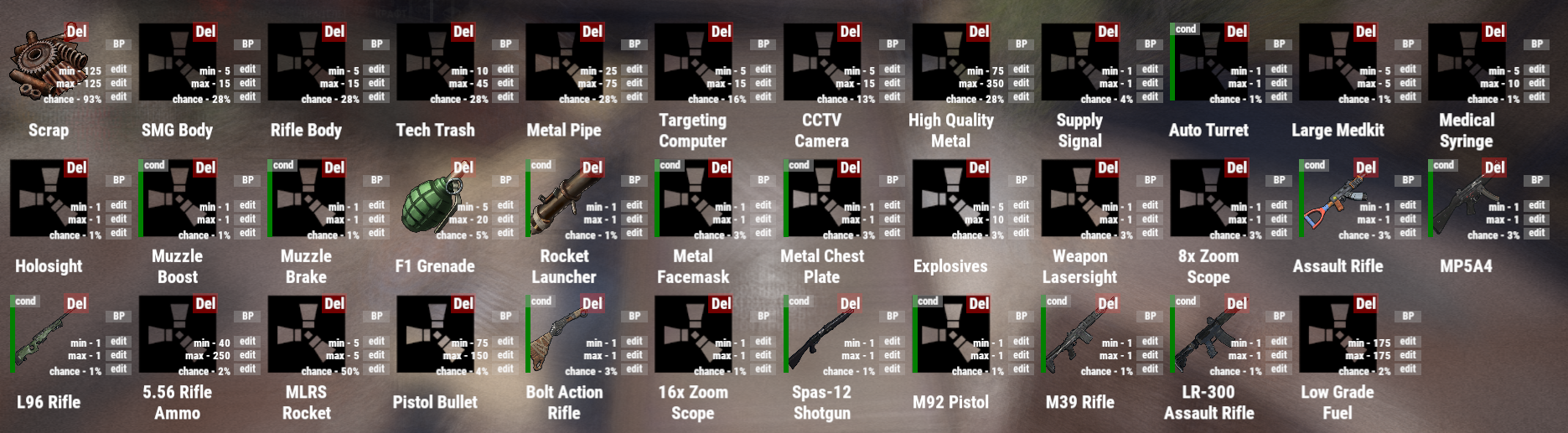
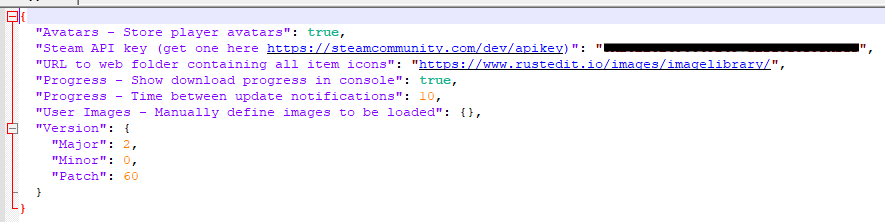
PashaCherniy
I also lost half of the pictures since yesterday
i went back one version for kits plugin and all my kit images and icons are showing ok. I dont use xperience so cant remark on that but skins are showing as normal for skins plugin
The fact is that not only in the plug-in the whales lost pictures. And in many other plugins, images are also not displayed.
pookins
i went back one version for kits plugin and all my kit images and icons are showing ok. I dont use xperience so cant remark on that but skins are showing as normal for skins plugin
I seem to be encountering the same issue with a couple plugins. Mainly XDQuests and XDShop. I've tried clearing out Image Library and having it recache the images with no luck.
I think the hooks are off. Of course, I do not understand anything about this and I will not argue. Please contact the plugin developer. We need your help!
BOOBLEJ
I seem to be encountering the same issue with a couple plugins. Mainly XDQuests and XDShop. I've tried clearing out Image Library and having it recache the images with no luck.
Damn, this is affecting a handful of my plugins. I've cleared out ImageLibrary data and reloaded ImageLibrary and the other plugins, though still missing a ton of images :(
Merged post
This really sucks... Loosing players because most of my plugins images are not loading. I've spent hours trying to resolve this with no luck. I've tried using an older version of the plugin, Restoring Image Library data from a backup and ran refreshallimages, which seemed to mess things up even more. Any ideas?
Помогли следующие монипуляции.
1. Выключаем сервер.
2. Удаляем папку ImageLibrary в папке DATA
3. Обновляем API ключ в config
4. Запускаем сервер и делаем перезагрузку всех плагинов с картинками.
Helped possible monipulation.
1. Turn off the server.
2. Delete the ImageLibrary folder to the DATA folder
3. Update the API key in the config
4. Start the server and restore all applications with pictures.
Помогли следующие монипуляции.
1. Выключаем сервер.
2. Удаляем папку ImageLibrary в папке DATA
3. Обновляем API ключ в config
4. Запускаем сервер и делаем перезагрузку всех плагинов с картинками.Helped possible monipulation.
1. Turn off the server.
2. Delete the ImageLibrary folder to the DATA folder
3. Update the API key in the config
4. Start the server and restore all applications with pictures.
If you read the original post you will see that darkcitymusic already did that,
Just updated to version 2.0.60 and came here to complain as well. My Kits images were 50% gone. Did refreshallimages, and now 100% gone.
Great stuff...
Merged post
Just updated to version 2.0.60 and came here to complain as well. My Kits images were 50% gone. Did refreshallimages, and now 100% gone.
Great stuff...
UPDATE: I figured out the issue. ImageLibrary doesn't seem to support IPv6. Some of my Kit images were point to ipv6 ip's and those are the ones initially that didn't work. Switch the hostnames, then re-saving the configs fixed it.
Some of my Kits images are not loading. (image not found)
I get in console:
Image failed to download! Error: Unable to complete SSL connection
I tried to resave the kit again. (worked last wipe)
At the AutoBaseUpgrade are the pictures not shown eather. Only that black rust logo. The creater of the Plugin says that the data has to be wiped, but i cant do that. I deleted all the data and reload the plugin but it only says in console it loaded approved skins.
Last wipe i was doing that it loaded all the Images again but not this time.
Helped possible monipulation.
1. Turn off the server.
2. Delete the ImageLibrary folder to the DATA folder
3. Update the API key in the config
4. Start the server and restore all applications with pictures.
I fixed it.
Thanks to PashaCherniy. So what did i do:
1. Turn off the Server
2. Delete imageLibrary data folder/config/plugin
3. Turn on Server again
4. Installed the plugin again
5. Reloaded all plugins that need imageLibrary
6. For Kits i had to simply overwrite and save the kit to show the header image again.
Rust broke after last update
o.reload Kits
Unloaded plugin Kits v4.0.15 by k1lly0u
Loaded plugin Kits v4.0.15 by k1lly0u
[Image Library] Starting order Kits
Image batch (Kits) has been stored successfully
no image items , all images have been verified why can't I view it
Locked automatically
- 1
- 2