Hello,
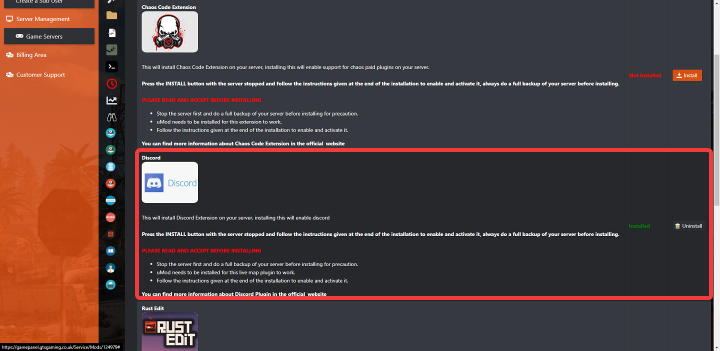
The instructions are:
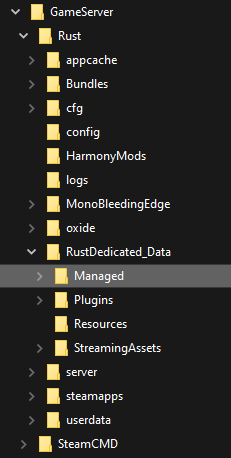
- Open the server files, and navigate to the "Managed" folder (eg. "RustDedicated_Data/Managed")
- Download the latest release.
- Copy the "Oxide.Ext.Discord.dll" file into your "Managed" folder.
- Restart your server!
Where is this managed folder located? I normally upload mods to my oxide folder. I don't know what managed folder you are tlaking about. Please and thank you.