I've placed the DLL in the C:\rustserver\RustDedicated_Data\Managed folder as instructed, restarted the server but there is no Oxide.Ext.Discord in the config folders for me to edit and put the bot token or client secret etc... Did not see any errors in the console and the extension says it was loaded... any ideas? latest rust and latest oxide installed today on 9/15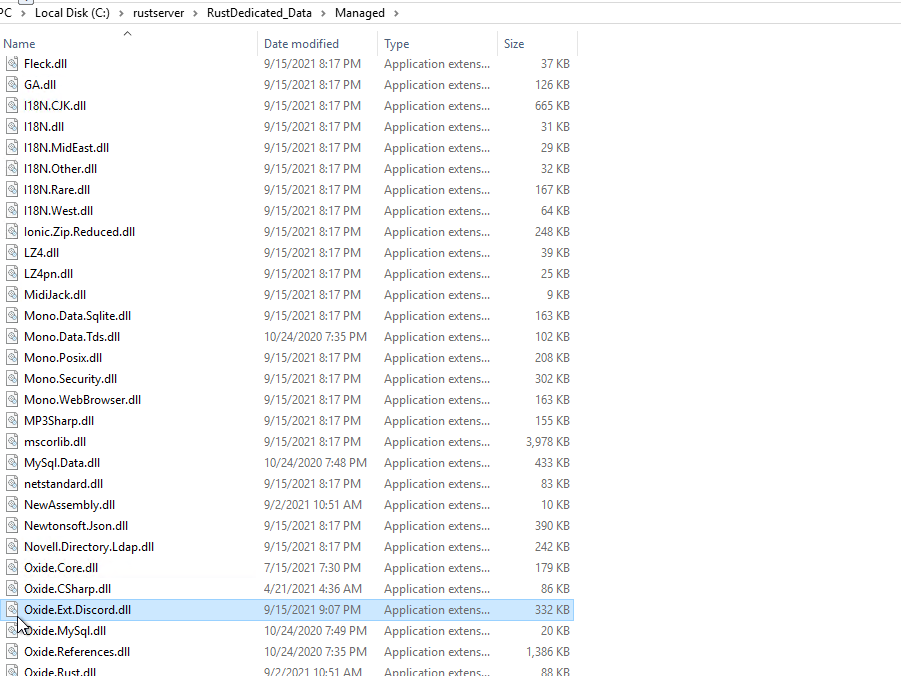
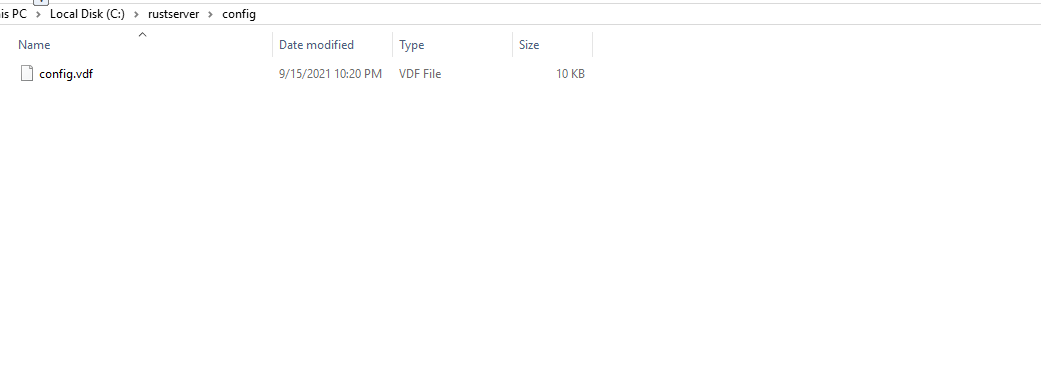
Configuration location for API key?Solved
The main configuration file would be oxide/discord.config.json
oxide/discord.config.json has no where to enter the GUID info or bot info/bot token... its just chat commands.... along with the readme install on the mainpage says to find a diff config file? Where does the discord extension link with the bot sitting in my discord... generally you need to provide the bot token to make the link... but right now there is no where in that oxide/discord.config.json other than commands. so thats where i am lost... no place in the files to list the API ID, GUID ID... so not sure where i went wrong or what step i missed... redid from the top following the instructions on the main page multiple times... not sure where it went wrong
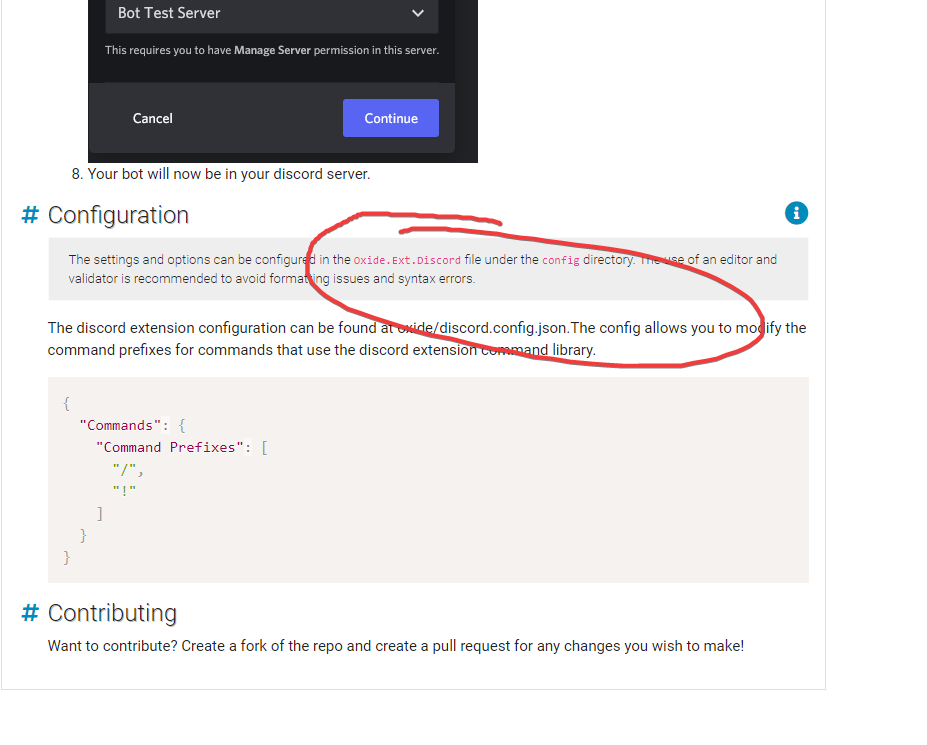
The link is made by the plugins that use the extension ex. DiscordCore etc.
https://umod.org/plugins/discord-core
This is also where you enter the bot token etc.
{
"Discord Bot Token": "",
"Discord Server ID (Optional if bot only in 1 guild)": "",
"Discord Server Name Override": "",
"Discord Server Join Code": "",
"Enable Discord Server Welcome DM Message": true,
"Link Settings": {
"Link Code Generator Characters": "123456789",
"Link Code Length": 6,
"Allow Commands To Be Used In Guild Channels": false,
"Allow Guild Commands Only In The Following Guild Channel Or Category (Channel ID Or Category ID)": [],
"Link / Unlink Announcement Channel Id": "",
"Guild Link Message Settings": {
"Enable Guild Link Message": false,
"Message Channel ID": ""
}
},
"Discord Extension Log Level (Verbose, Debug, Info, Warning, Error, Exception, Off)": "Info"
}Or maybe I'm misunderstanding your issue...
That blurb is automatically generated, but in the case of this extension it is wrong. As mentioned above, anything else is generally found in the plugins that utilize this extension.RustyNeedles
oxide/discord.config.json has no where to enter the GUID info or bot info/bot token... its just chat commands.... along with the readme install on the mainpage says to find a diff config file? Where does the discord extension link with the bot sitting in my discord... generally you need to provide the bot token to make the link... but right now there is no where in that oxide/discord.config.json other than commands. so thats where i am lost... no place in the files to list the API ID, GUID ID... so not sure where i went wrong or what step i missed... redid from the top following the instructions on the main page multiple times... not sure where it went wrong
thanks thats what i needed...the bot info is located in the plugins not the extension.. thanks!
Locked automatically