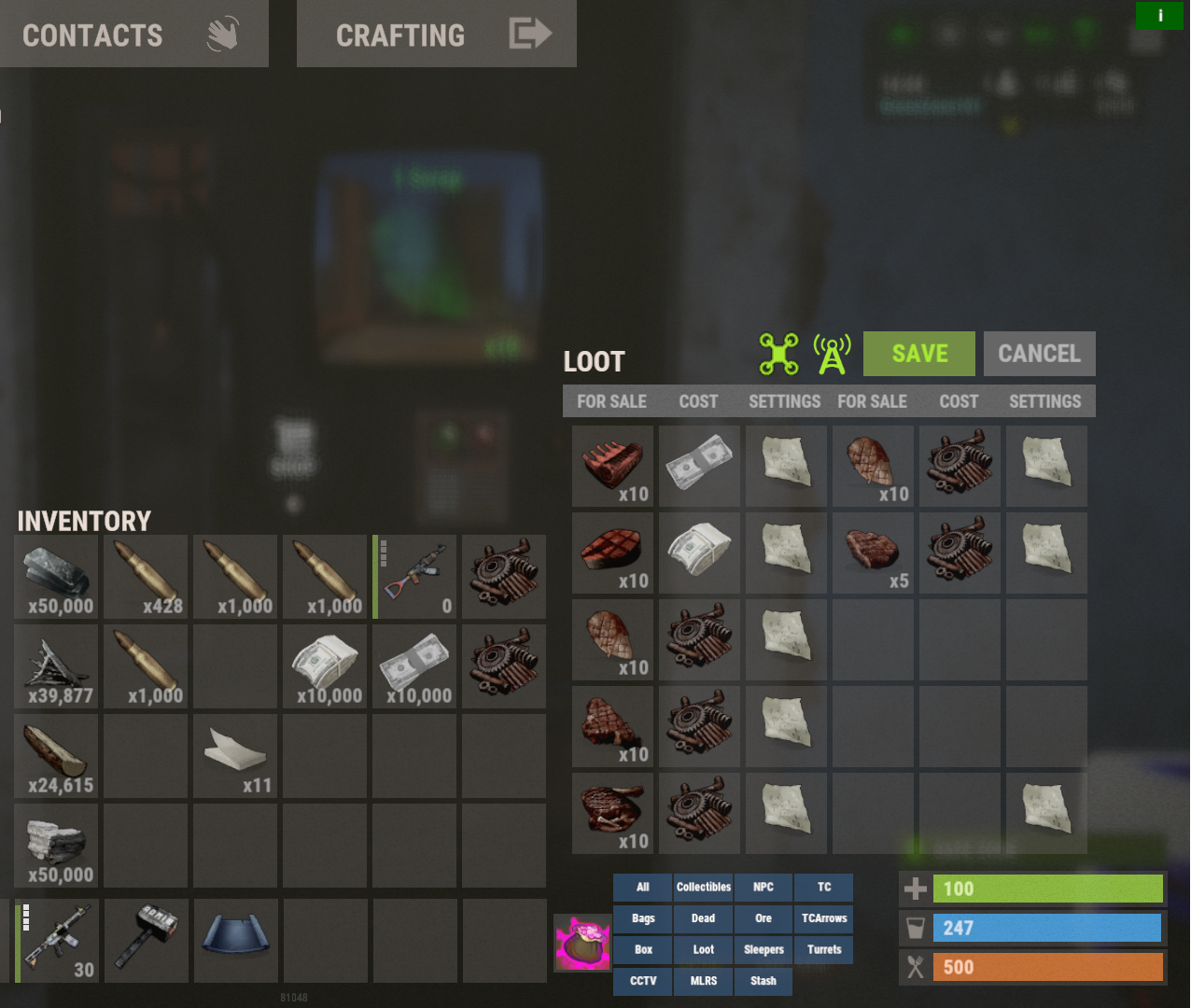
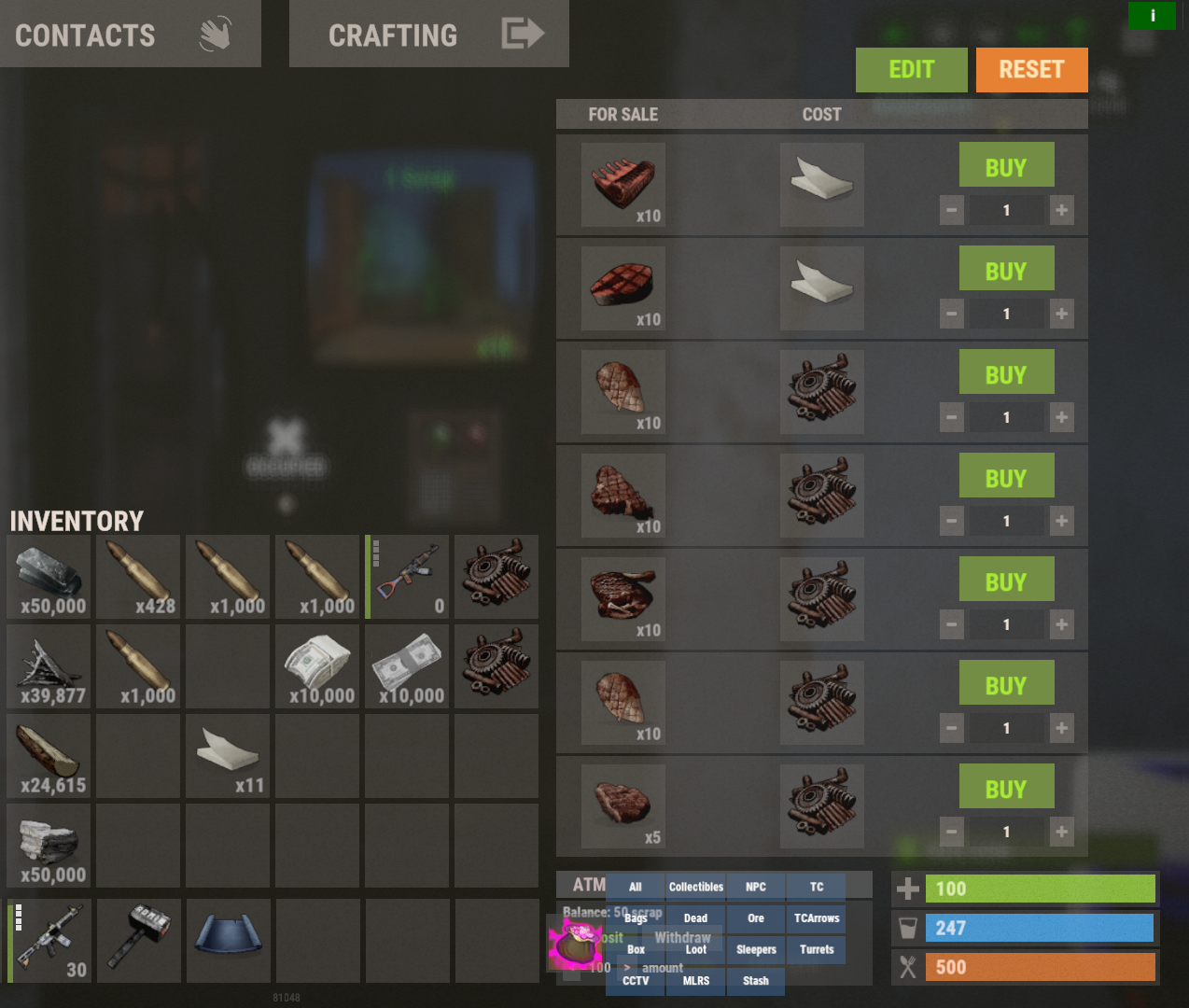
This is my current code:
its doesn't skin the money, so I used Skins.cs to add the skin and it skinned the paper, but it won't show up in the vending machine as the skinned item paper nor does it let you buy it with rp, Server Rewards.
{ "Shop UI settings": { "Enable skin overlays": true }, "Economics integration": { "Enabled": false, "Item short name": "paper", "Item skin ID": 2420097877 }, "Server Rewards integration": { "Enabled": true, "Item short name": "paper", "Item skin ID": 2420097877 }, "Override item max stack sizes (shortname: amount)": { "paper": 1000000 }I thought I might be able to use this in some way to make the paper money go into players inventory:
maybe if I use a command like this for "ScrapVendingExchange" "give -1779183908 1 2420097877".
This maybe, but don't know... "give {userid} -1779183908 {amount} 2420097877".
{
  "deposit command (default Economics arguments {userid} {amount})": "sr add {userid} {amount}",
  "setup command name": "sve",
  "exchange item id": -932201673,
  "exchange item skinid": 0,
  "min amount to exchange per transaction": 1,
  "max amount to exchange per transaction": 100000,
  "exchange percent (default 80% percent ex: 1000 = 800)": 100,
  "user interface": {
    "success button color": "0.337 0.424 0.196 0.85",
    "success button font color": "0.607 0.705 0.431",
    "clear button color": "0.75 0.75 0.75 0.3",
    "clear button font color": "0.75 0.75 0.75 1",
    "panel color": "0.65 0.65 0.65 0.25",
    "PanelFontColor": "0.75 0.75 0.75 0.9",
    "panel input color": "0 0 0 0.42",
    "panel input font color": "1 1 1 0.58",
    "panel input placeholder color": "0.7 0.7 0.7 0.25",
    "panel offset position": {
      "position": {
        "x": -10.0,
        "y": 470.0
      },
      "size": {
        "x": 310.0,
        "y": 118.0
      }
    },
    "popup font color": "1 1 1 0.89",
    "popup error color": "0.631 0.282 0.22 0.98",
    "popup success color": "0.337 0.424 0.196 0.98",
    "popup offset position": {
      "position": {
        "x": -10.0,
        "y": 390.0
      },
      "size": {
        "x": 310.0,
        "y": 28.0
      }
    }
  },
  "allowed prefabs (leave empty to allow all vending machines)": ["assets/bundled/prefabs/hapis/npcvendingmachine_hapis_hapis.prefab"]
}