Permissions lost when deep coveredSolved

So from all the other reading, if you set individual perms it will work fine, if you add to an oxide group perm it will remove you from the group perm and cant add you back. Thats what I get out of it.

And the config is still set :"Remove Admin Flag When Deep Covered": false:
it is on false and i have the same problem the old version was working better....
Is the only way to make this work is to add perms seperatly?
sceghost
Is the only way to make this work is to add perms seperatly?

Yes, grant it to a specific user instead of to a group

that sucks ... i want to keep my perms just like they are 
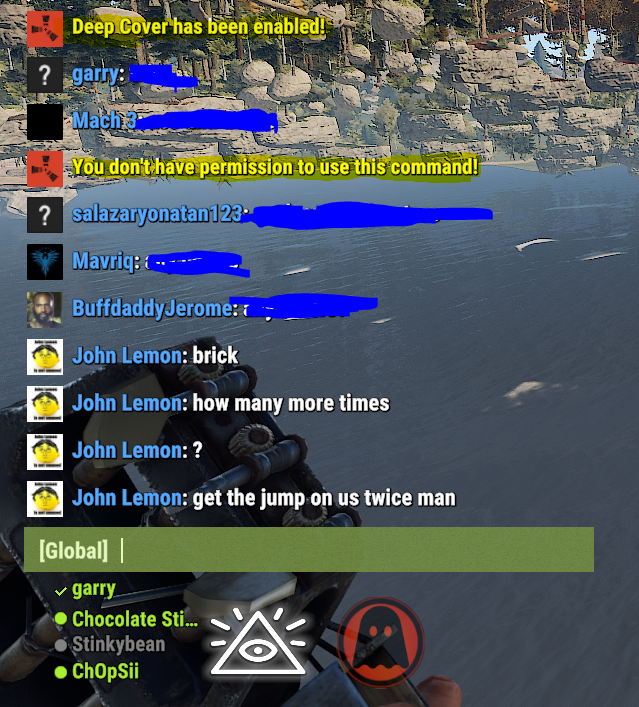
I entered deepcover mode and can't get out of it. Even after disabling the plugin and rebooting the server, I have a new nickname and no rights! I have server management only through the game console and thus lost all my rights
When granting the permission, grant it to yourself and not to a group
Thank you! How do I get myself back as an admiral? I can't send commands directly to the console
You could restore all of your permissions through the server console again
I have assigend the permission to myself and not the group but don' have access to noclip or any other tools ?
Is there something else I need to do ?

Im using the following Group configuration:

admin (normal oxide Group for Admins)
owner (additional Group with parent = admin)

When Im using deepcover and changing back it always looses the additional Group. So in that case the group "owner" will not be given.

Regards

As for now, grant the permission to your user ID and not to a group


Then as a request for change to implement that. Since if you have multiple roles on a Server this is not really working for those.

Hey, deep cover was working at the beginning of the month but now seems to be not working after the first server hotfix was applied along with a restart of the server.

It allows me to enter deep cover but I lose permission to go back to admin+original name once it is enabled.

Yep, I have the same issue!

Locked automatically